Incident Reporting Software Buyer's Guide: What Safety Teams Should Demand in 2026
A practical buyer's guide for safety and operations teams choosing incident reporting software that improves reporting quality, investigation speed, and corrective action follow-through.
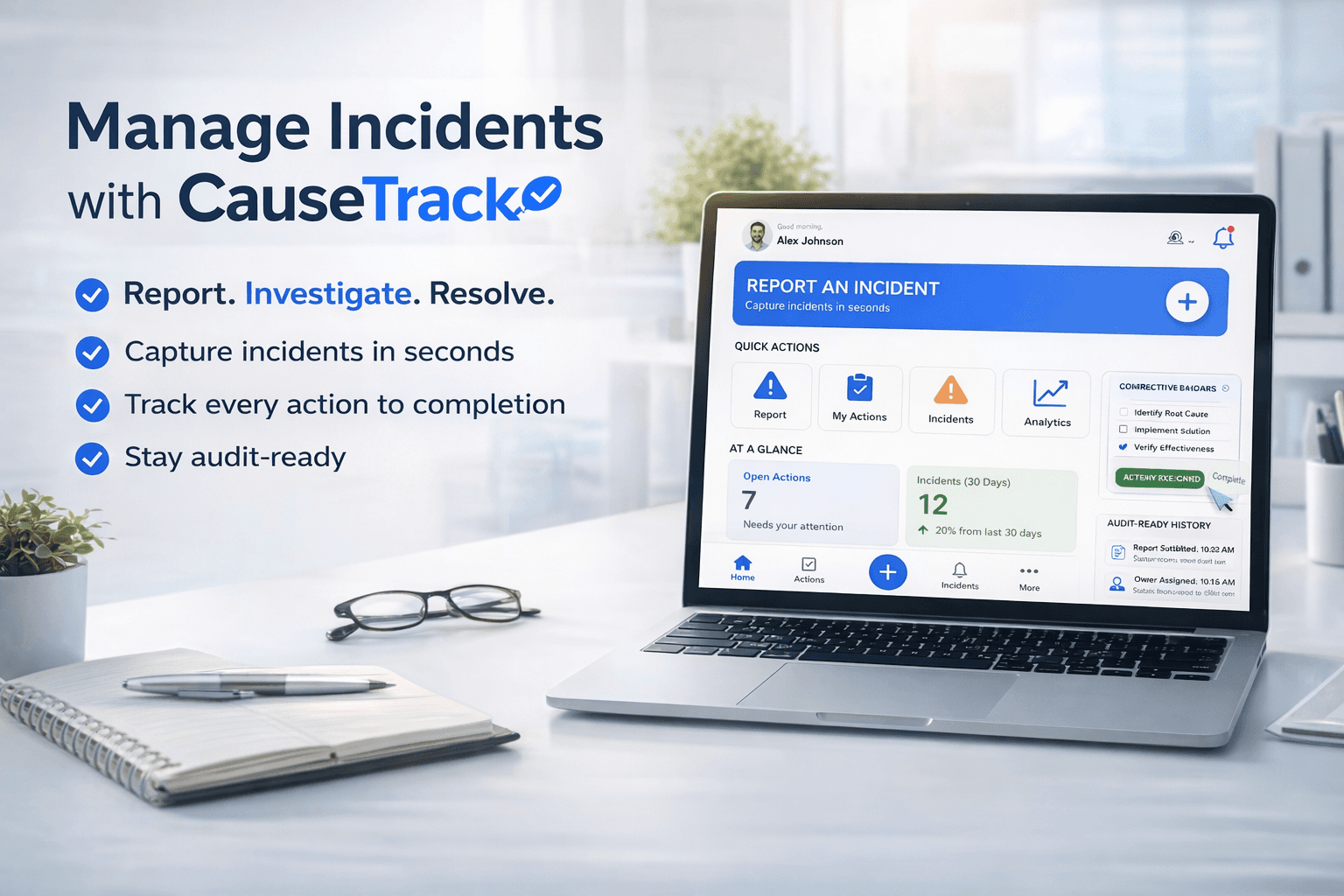
Capture incidents quickly, standardise report quality, and route work cleanly.
Choosing incident reporting software is not really about buying a form builder. It is about choosing the system your team will rely on when something goes wrong and when leadership wants proof that problems were handled properly.
That is why many teams get stuck after the first purchase. The tool captures reports, but it does not support investigation, corrective actions, role-based visibility, or multi-site accountability. Reporting improves for a month, then the same old delays and follow-up gaps return.
Why teams replace spreadsheets and generic forms
Spreadsheets and shared forms work at very low volume. They break down when you need speed, consistency, and traceability.
The usual failure points are predictable:
- reports arrive in different formats
- managers cannot see only the sites or areas they own
- investigators work in a separate system or in email
- corrective actions are tracked in another spreadsheet
- overdue items are hard to spot until leadership asks for an update
At that point, the issue is no longer data entry. It is operational control.
What good incident reporting software should actually do
The best incident reporting software does four jobs well.
1. Make reporting easy in the moment
If reporting takes too long, people delay it or skip detail. You want a process that is fast enough for frontline teams and structured enough for the people who have to investigate and report upward later.
Look for:
- simple submission flow
- mobile-friendly access
- configurable forms
- evidence attachments
- clear status after submission
2. Route the right work to the right people
Most organisations do not want every manager seeing every incident. They want scoped visibility. A site manager should see site issues. A business area manager should see issues in their area. Investigators should see what they are assigned. Admins should retain full control.
If a tool cannot support role-based scope cleanly, it becomes noisy fast.
3. Connect reporting to investigation
A report is only the start. Buyers should ask what happens next.
Can the same system:
- move a report into investigation
- capture findings
- document status changes
- preserve evidence and history
If not, your team will end up stitching together multiple tools and losing context.
4. Track corrective actions to closure
This is where many tools fail. They help capture the incident, but they do not help ensure the fix happens.
That creates a dangerous gap. Leadership believes the issue was handled because the incident was recorded. In reality, the corrective action is still open, unassigned, or overdue.
Questions every buyer should ask vendors
Before choosing a platform, ask:
- Can we create different forms for different sites or business areas'
- Can reporters, investigators, site managers, and admins see different scopes of data'
- Can we move from report to investigation to corrective action without leaving the system'
- Can we filter open, overdue, and in-progress work easily'
- Is there a clear audit trail of who changed what and when'
- Can this work across multiple sites without becoming messy'
These questions separate tools that simply collect records from tools that improve control.
What matters most for multi-site teams
If you operate across multiple sites, the buying criteria become stricter.
You need:
- scoped visibility by site or business area
- consistent forms with local flexibility
- central oversight without overwhelming local teams
- dashboards that show where incidents and overdue actions are building up
This is where disconnected systems create friction. Site teams lose speed. Head office loses confidence in the data.
The business case for better software
The ROI is not just fewer admin hours.
It is:
- faster reporting while details are fresh
- fewer handoff failures during investigation
- stronger follow-through on corrective actions
- better audit readiness
- less management time spent chasing status updates
In practice, the value comes from reducing repeat incidents and preventing open items from disappearing into operational noise.
Where CauseTrack fits
CauseTrack incident reporting software is designed for teams that need one workflow from incident report to investigation to corrective action. It supports configurable forms, role-based visibility, scoped views for sites and business areas, and a clear audit trail.
That matters if your current problem is not just collecting reports, but controlling the full process after the report is submitted.
You should also evaluate how the product handles incident investigation software requirements, because reporting and investigation should not be separated across disconnected tools.
Final takeaway
The right incident reporting software should not stop at capture. It should help your team respond, investigate, assign, and close the loop.
If you are evaluating tools, focus less on how quickly a form can be submitted in a demo and more on whether the system can still keep your operation organised three months later, across real sites, real managers, and real corrective actions.
Continue your evaluation
Use this guide alongside the product pages that explain how CauseTrack handles reporting, routing, and field submission.
Incident reporting software
See the core reporting workflow, custom forms, and scoped visibility.
View pageWorkplace incident reporting
Understand how frontline teams report incidents from sites and operations.
View pagePricing
Compare plans for incident reporting, investigations, and audit-ready workflows.
View pageRelated reading
View all posts
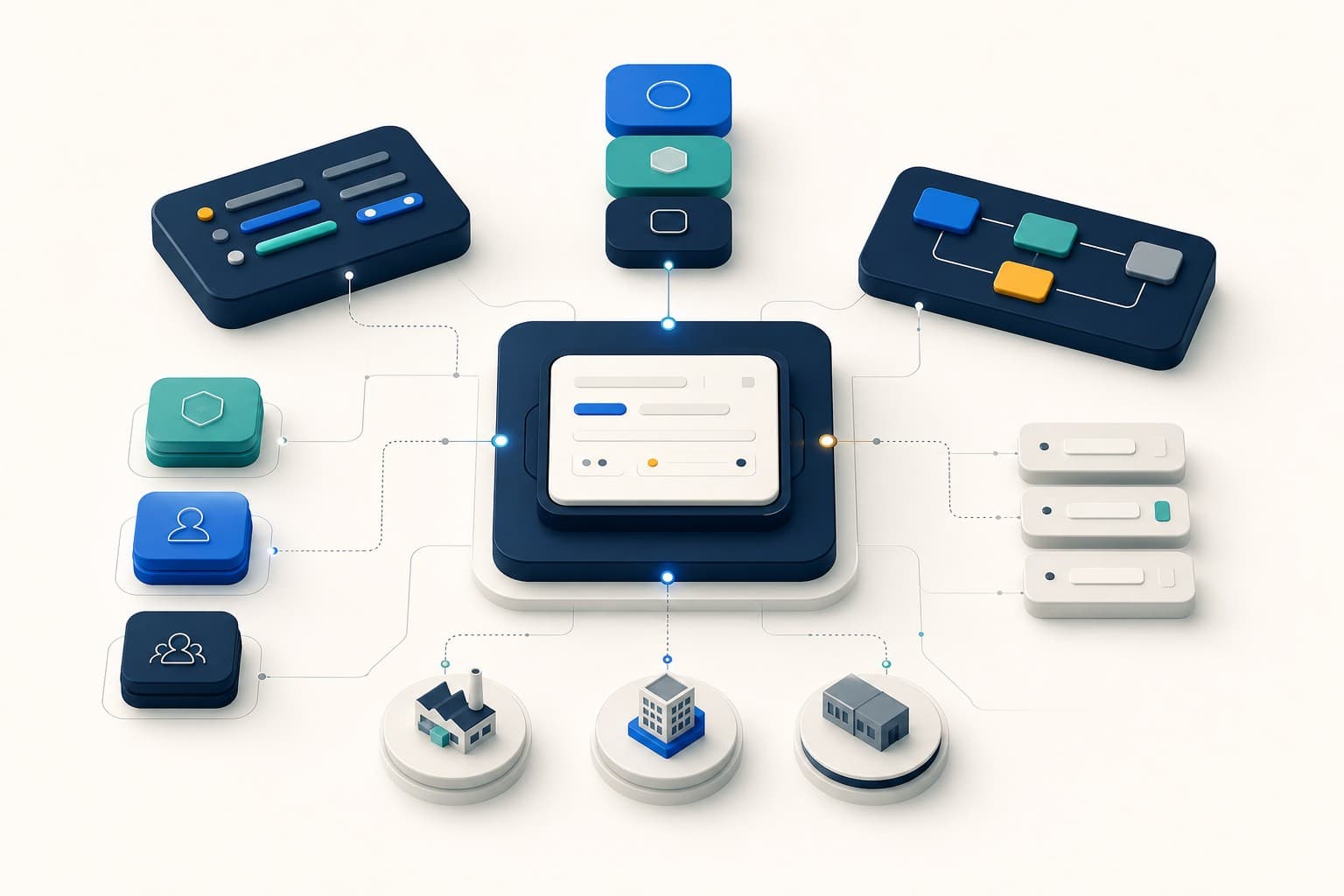

Turn reporting into a controlled workflow
Use CauseTrack to capture incidents, run investigations, and track corrective actions in one place.