How CauseTrack Incident Reporting Works (End-to-End)
A detailed walkthrough of the full CauseTrack flow, from form setup and report submission to investigation, actions, analytics, and audit trail.
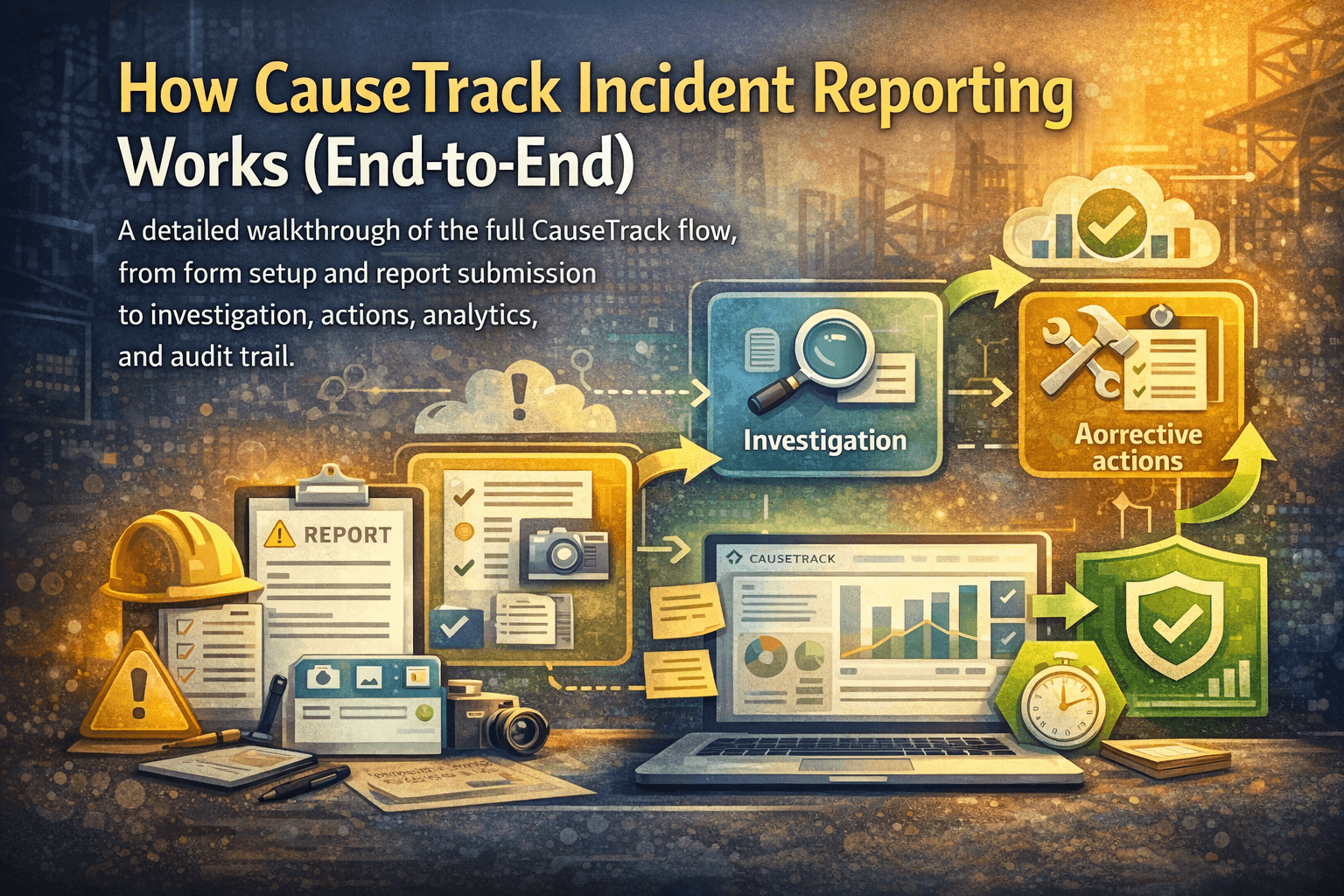
Capture incidents quickly, standardise report quality, and route work cleanly.
CauseTrack is built as one connected workflow: capture incidents quickly, investigate consistently, and close corrective actions with clear accountability. This guide walks through how incident reporting works in detail and how each feature fits into the process.
1) Organisation setup and access control
CauseTrack is organisation-based and role-based. Org admins can invite members and assign roles such as reporter, investigator, site manager, business area manager, and org admin.
This matters for incident reporting because each role sees the right scope of data. For example, reporters can submit and view their own reports, while managers and investigators can see and act on reports in their assigned scope. This keeps reporting usable for frontline teams while preserving governance and privacy boundaries.
2) Forms tailored to your operation
Incident reporting starts with forms. CauseTrack supports configurable forms so each organisation can capture the fields that actually matter for its sites, business areas, and risk profile.
Instead of one generic template for every incident type, teams can maintain fit-for-purpose forms and assign them to the right operational context. That improves report quality, reduces back-and-forth, and makes investigations easier because required information is captured at submission time.
3) Fast report submission
When an incident happens, users submit a report through the app with structured fields and narrative context. Typical data includes incident details, timing, location, people involved, and any immediate controls taken.
The reporting experience is designed for speed and clarity so records are created while information is still fresh. Better first reports reduce rework later in the workflow.
4) Evidence and file attachments
Teams can upload supporting evidence (for example photos or documents) and keep it linked to the report record. Evidence is stored with the report context so investigators and managers can review one complete case history.
Keeping attachments inside the workflow avoids scattered evidence across email threads and local folders.
5) Investigation workflow
After submission, reports can move into investigation. Investigators and authorised roles can review the facts, document findings, and progress status through the investigation lifecycle.
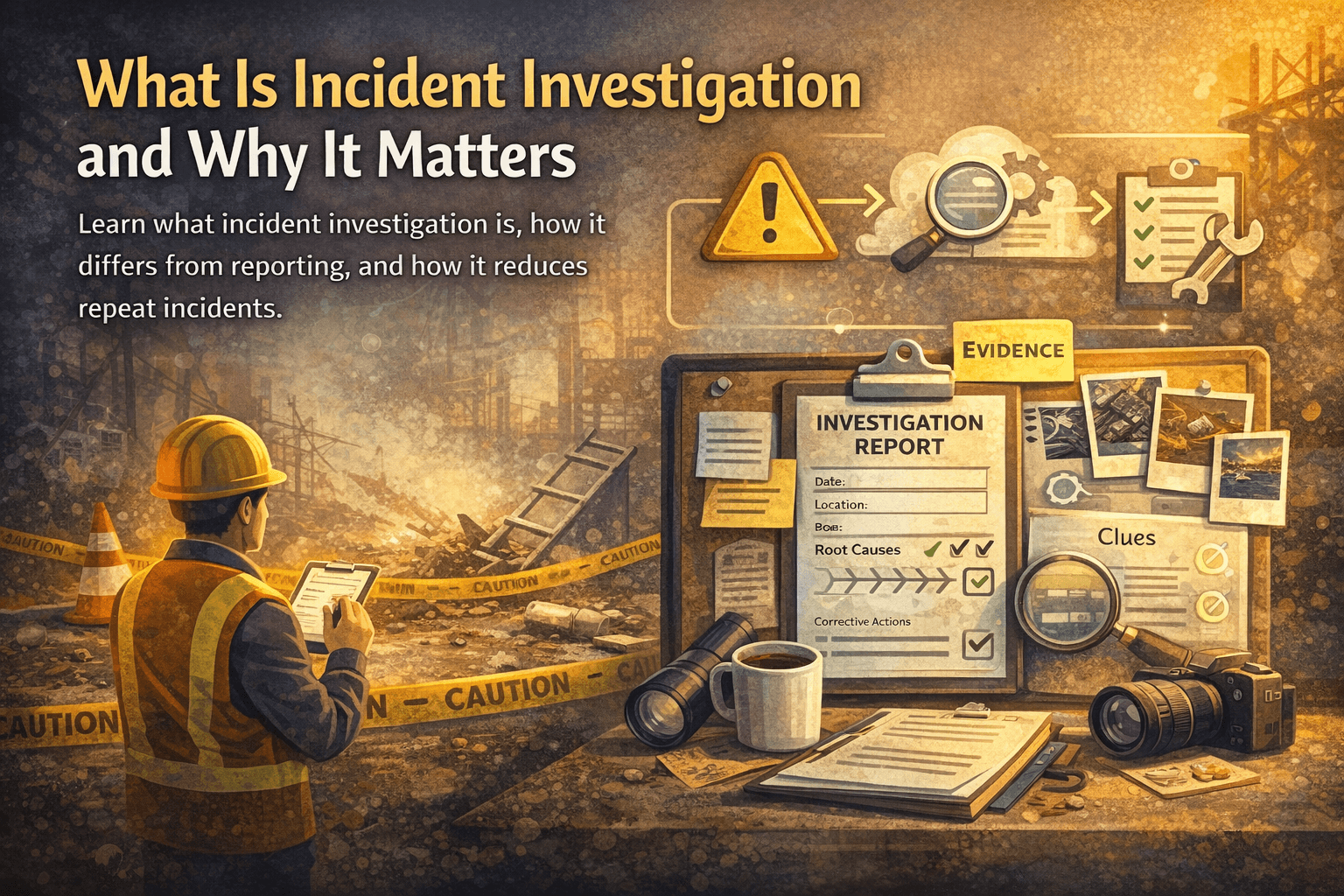
CauseTrack separates reporting from investigation clearly: reporting captures what happened; investigation determines why it happened and what should change. This separation improves consistency and supports stronger root-cause work.
6) Corrective actions tied to reports
Actions are first-class records linked back to reports. Teams can create actions from incident outcomes, assign owners, set due dates, and track status from open to complete.
Because actions are linked to reports, teams keep full traceability from incident to resolution. You do not lose context when handing work from investigation to operational follow-through.
7) Views and filtering for different users
CauseTrack provides scoped list views (for example "my actions", managed-site views, managed business-area views, and all-org views for admins), plus filtering and search across records.
This helps each user focus on the work they own while giving leadership broader operational visibility where needed.
8) Quotas, plan controls, and downgrade safeguards
Incident reporting is supported by plan-aware controls such as limits for users, storage, and active forms. If an organisation tries to downgrade, CauseTrack checks current usage against the target plan limits and blocks the downgrade when usage exceeds caps.
That safeguard prevents accidental data or access disruption and gives teams a clear path to reduce usage before changing plans.
9) Auditability and accountability
CauseTrack maintains audit-oriented records of activity and status changes so organisations can show who did what and when. This supports internal governance, management review, and external compliance needs.
In practice, auditability is what turns incident reporting from "notes in a system" into an operational control process.
10) End-to-end operating model in one system
The core advantage of CauseTrack is that incident reporting is not isolated. It connects to investigations, actions, role-based access, and organisational governance in one flow:
Report -> Investigate -> Assign actions -> Track to closure -> Review trends -> Improve controls.
When teams run this loop consistently, they reduce repeat incidents, improve response speed, and build a stronger reporting culture over time.
Practical rollout tips
If you are implementing CauseTrack, start with a simple form set, clear role assignments, and a short action SLA. Then iterate monthly based on reporting quality, investigation lead time, and action closure performance.
Most organisations get the fastest gains by focusing first on speed of reporting, quality of investigation notes, and discipline in action completion.
Continue your evaluation
Use this guide alongside the product pages that explain how CauseTrack handles reporting, routing, and field submission.
Incident reporting software
See the core reporting workflow, custom forms, and scoped visibility.
View pageWorkplace incident reporting
Understand how frontline teams report incidents from sites and operations.
View pagePricing
Compare plans for incident reporting, investigations, and audit-ready workflows.
View pageRelated reading
View all posts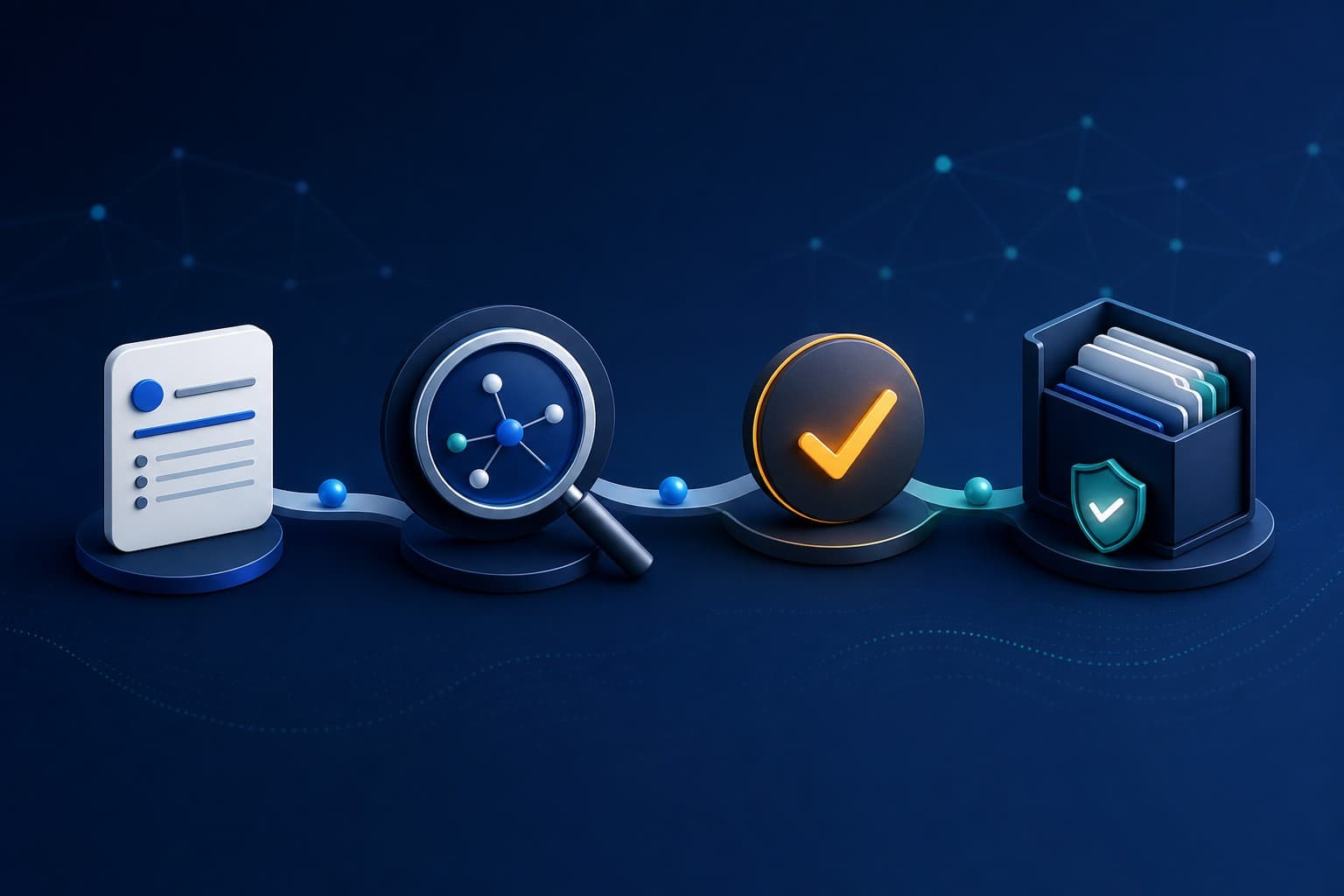
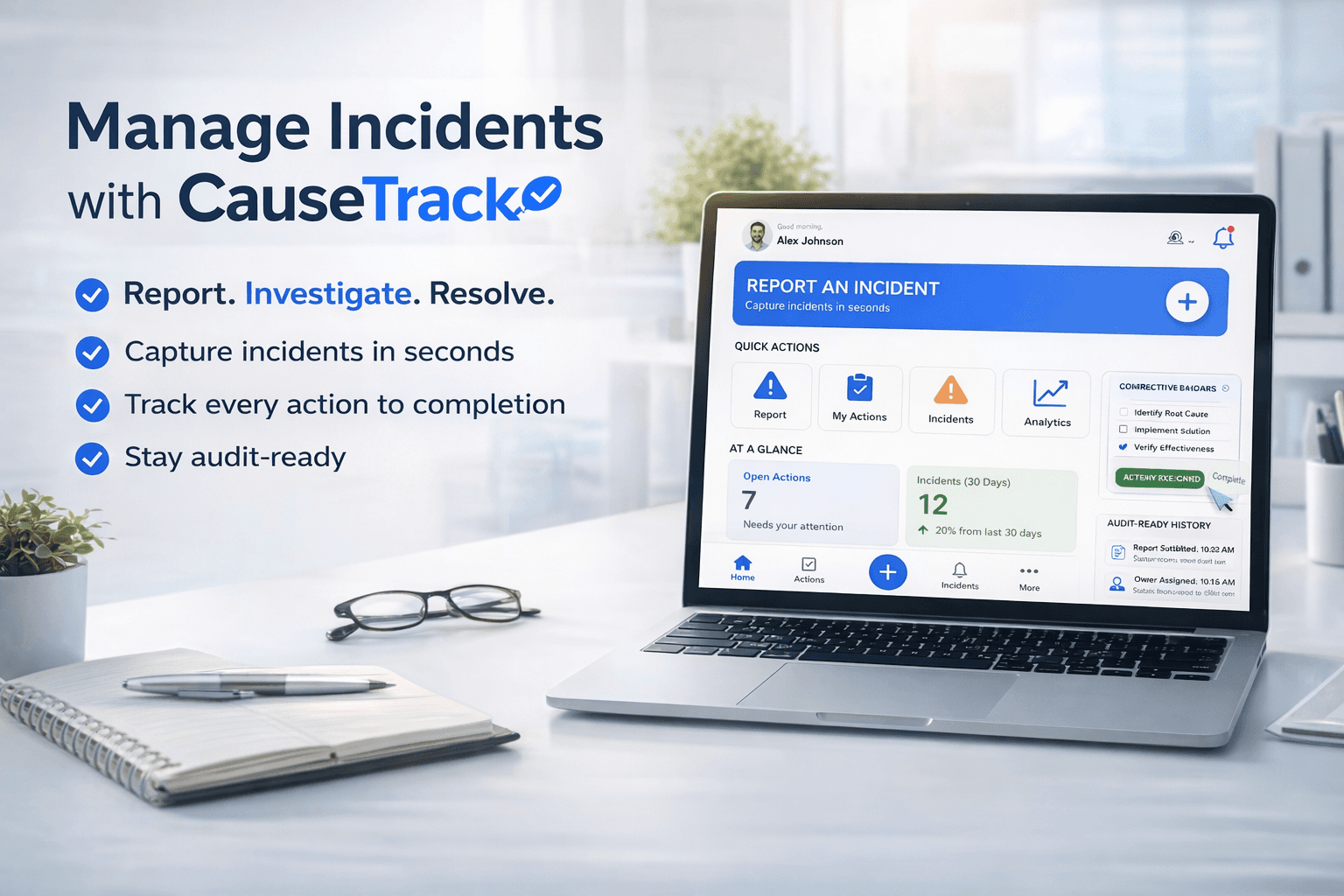
Turn reporting into a controlled workflow
Use CauseTrack to capture incidents, run investigations, and track corrective actions in one place.