Corrective Action Tracking Software: How to Close the Loop After Every Incident
Many teams record incidents but lose control of corrective actions. This guide explains what corrective action tracking software should do and why it matters.

Track follow-up work, ownership, due dates, and closure after every incident.
Many organisations can tell you how many incidents were reported last month. Far fewer can tell you, with confidence, whether the resulting corrective actions were assigned, completed on time, and verified.
That gap is more serious than it looks.
An incident record without corrective action follow-through creates the appearance of control, not the reality of it.
Why corrective actions are where the process usually breaks
Incidents are visible. Investigations are usually visible too. Corrective actions are where work gets distributed across managers, supervisors, and operational teams, which makes them easier to lose.
The common failure points are:
- no clear owner
- no due date discipline
- no easy way to see overdue items
- no link back to the original incident
- no shared status view for leadership
When that happens, the organisation repeats the same issue and then wonders why reporting and investigation are not improving outcomes.
What corrective action tracking software should do
Corrective action tracking software should make accountability hard to avoid.
1. Link actions directly to incidents
The action should not live in a separate spreadsheet with no context. Teams need to see what incident triggered the action, what finding led to it, and what outcome is expected.
That link improves quality and reduces ambiguity.
2. Assign clear ownership
Every action needs one accountable owner. Shared responsibility sounds collaborative, but it usually leads to drift.
The system should make it obvious:
- who owns the action
- when it was assigned
- what status it is in
- when it becomes overdue
3. Surface overdue work early
If overdue actions are only reviewed during a monthly meeting, the system is too passive.
Good software should show:
- open actions
- in-progress actions
- overdue actions
- actions by site or business area
This allows managers to intervene before the backlog becomes normal.
4. Support management visibility without losing local ownership
Site managers need visibility into their own backlog. Leadership needs oversight across the organisation. A good system handles both without creating one noisy global queue for everyone.
That usually requires role-based scope and reporting views.
Why this matters beyond compliance
Corrective actions are not just a compliance step. They are how the organisation proves that learning turned into change.
Strong action tracking leads to:
- fewer repeat incidents
- faster closure of known issues
- clearer accountability
- better audit confidence
- better prioritisation across sites and teams
Without that, incident management becomes documentation rather than improvement.
Signs your current process is too weak
You likely need better corrective action tracking if any of these feel familiar:
- actions are tracked in email or spreadsheets
- managers ask for manual updates before every review meeting
- overdue actions are discovered late
- completed actions are not easy to verify
- the incident and the fix are stored in different systems
Those are process-control problems, not just admin annoyances.
What buyers should look for
When evaluating corrective action tracking software, ask:
- Can actions be created directly from an incident or investigation'
- Can we filter by site, team, business area, and status'
- Can we see overdue actions clearly'
- Is there an audit trail for updates and completion'
- Can the system support both local ownership and central oversight'
If the answer is no, the tool may create more records without creating stronger follow-through.
Where CauseTrack fits
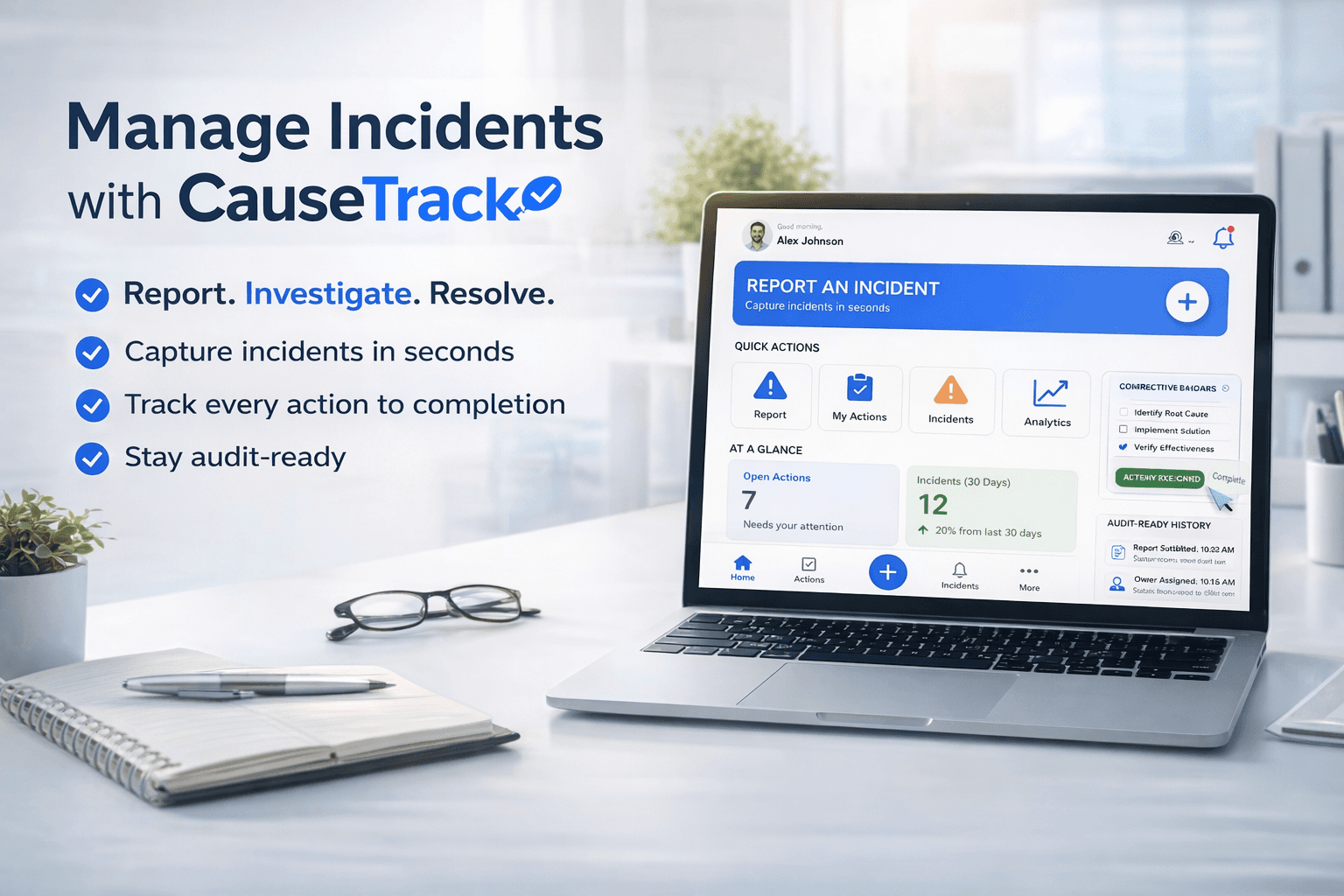
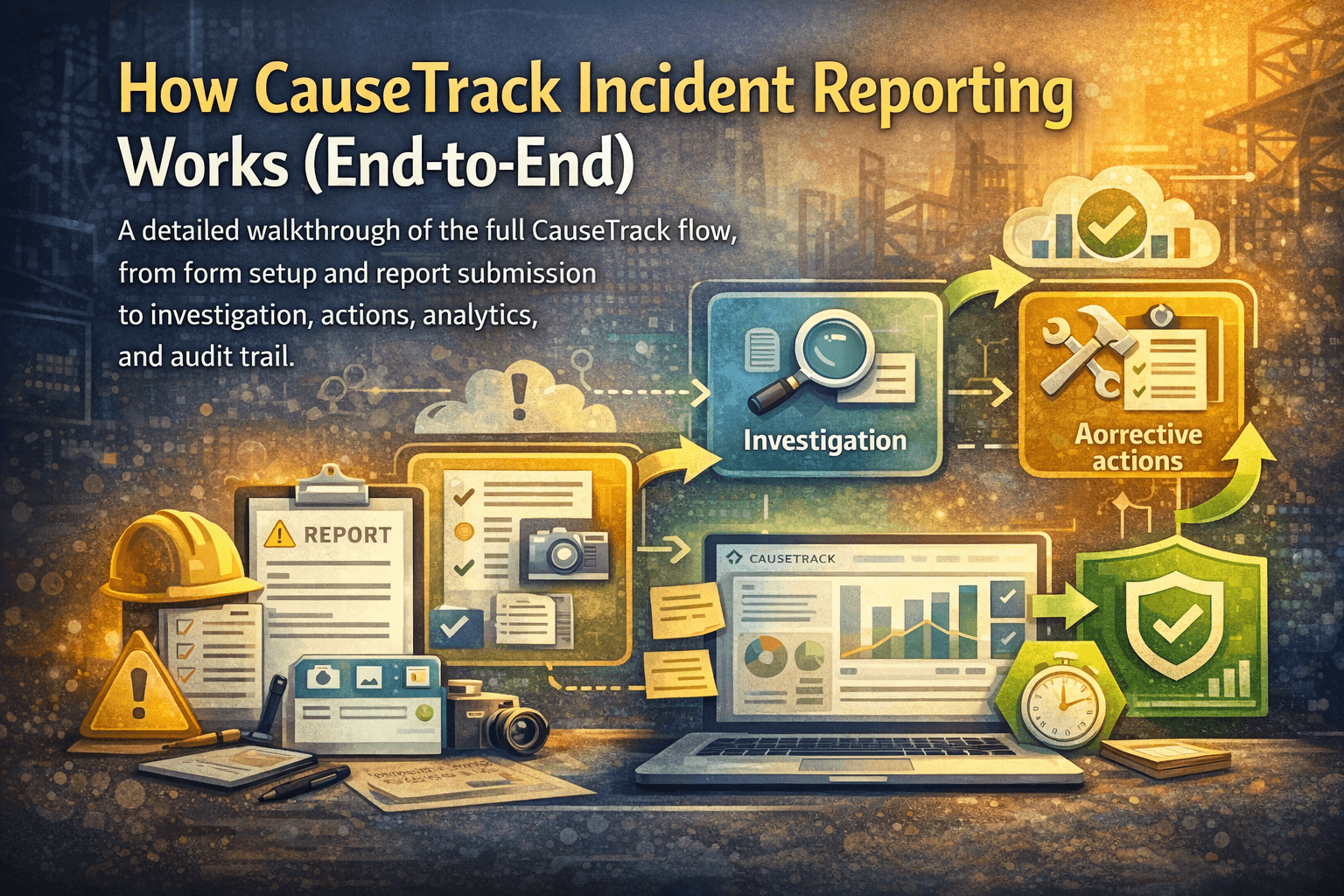
CauseTrack connects incident reporting, investigation, and corrective actions in one workflow. That means the action is not separated from the report that created it. Managers can see open and overdue work in their scope, while admins retain wider visibility and control.
That structure is especially useful for multi-site teams where action backlogs can otherwise become fragmented across locations and inboxes.
If corrective actions are currently disconnected from your reporting flow, start by evaluating the whole incident reporting software workflow instead of the action log alone.
Final takeaway
Corrective action tracking is where safety software becomes operationally valuable. If your team already reports incidents but still struggles to drive follow-through, this is often the highest-leverage process to fix next.
Continue your evaluation
These pages cover the broader workflow around creating, assigning, and closing corrective actions consistently.
Safety management software
See how reports, investigations, and actions stay connected in one operating system.
View pageIncident reporting software
Understand how corrective actions stay linked back to the original report.
View pagePricing
Compare plans for action tracking, retention, and organisation-wide visibility.
View pageRelated reading
View all posts
Turn reporting into a controlled workflow
Use CauseTrack to capture incidents, run investigations, and track corrective actions in one place.