Top Incident Reporting Tools in 2026: What to Look For
A practical guide to choosing incident reporting software that fits your organisation's size and needs.
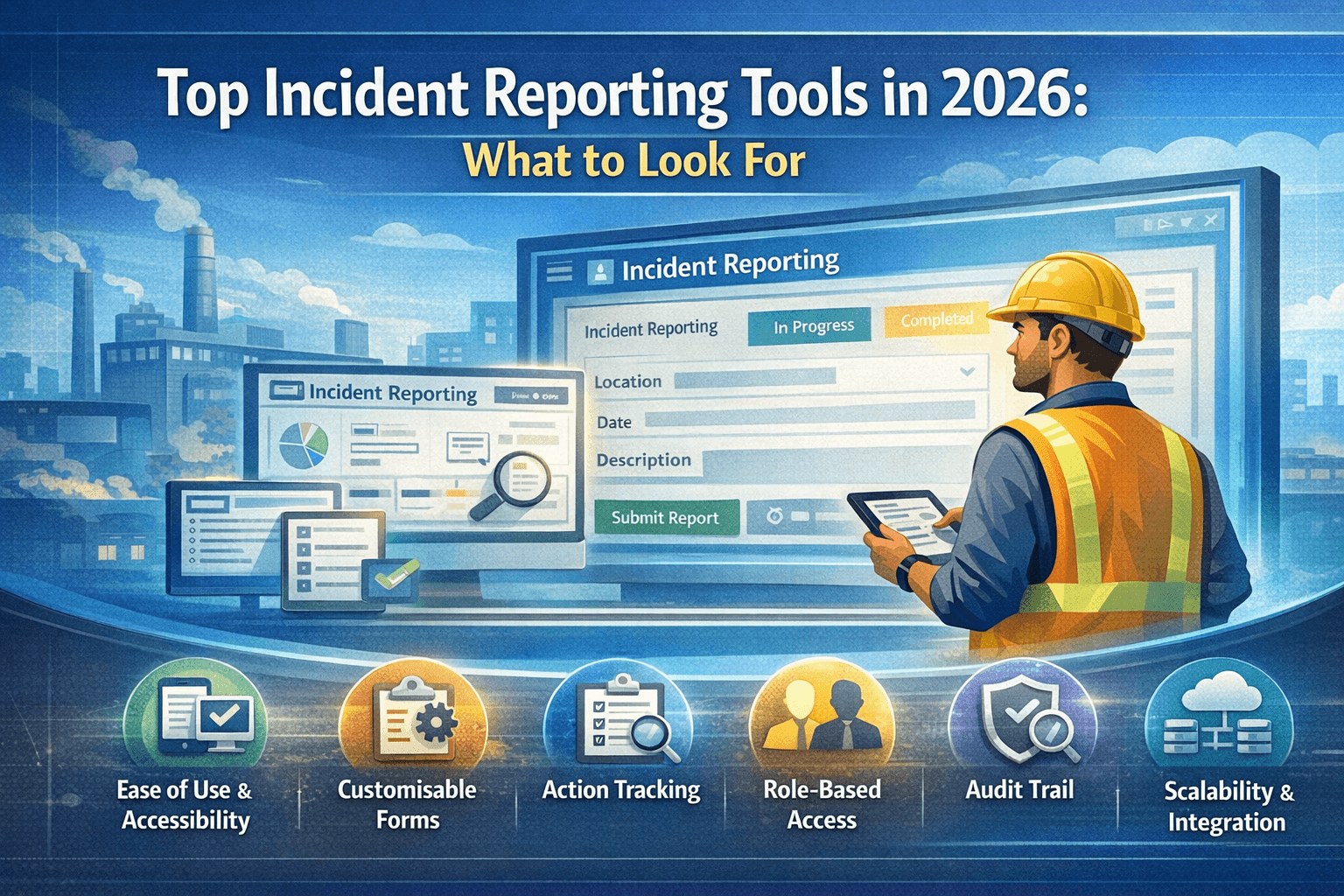
Capture incidents quickly, standardise report quality, and route work cleanly.
Choosing the right incident reporting tool can improve reporting rates, speed up investigations, and keep your safety and compliance efforts on track. Here's what to look for in 2026.
Ease of use and accessibility
Reports are most accurate when they're submitted quickly, often from the field. Look for tools that work on mobile and desktop, with simple forms and minimal training. If it's too cumbersome, people will delay or skip reporting.
Customisable forms and workflows
Your sites and business areas may need different fields or workflows. Good incident reporting software lets you customise forms, assign forms by site or business area, and route reports to the right people. Flexibility here prevents one-size-fits-all bottlenecks.
Investigation and action tracking
Reporting is only the start. The best tools connect reports to investigations and corrective actions. You should be able to assign investigators, record findings, create actions, and track completion, all linked to the original report for a clear audit trail.
Role-based access and visibility
Not everyone should see everything. Role-based access ensures reporters, investigators, site managers, and admins see only what they need. This supports both privacy and accountability.
Audit trail and compliance
For compliance and learning, you need a reliable record of who reported what, when, and what was done. Look for audit logs, retention settings, and export options that match your industry requirements.
Scalability and integration
As you grow, the tool should scale with you (more sites, more users, more reports) without breaking. Integration with existing systems (e.g. HR, asset management) can reduce duplicate entry and improve data quality.
Cost and value
Compare pricing against the features you actually need. Some tools charge per user, others per site or report. Consider total cost over time and the value of better reporting and fewer repeat incidents.
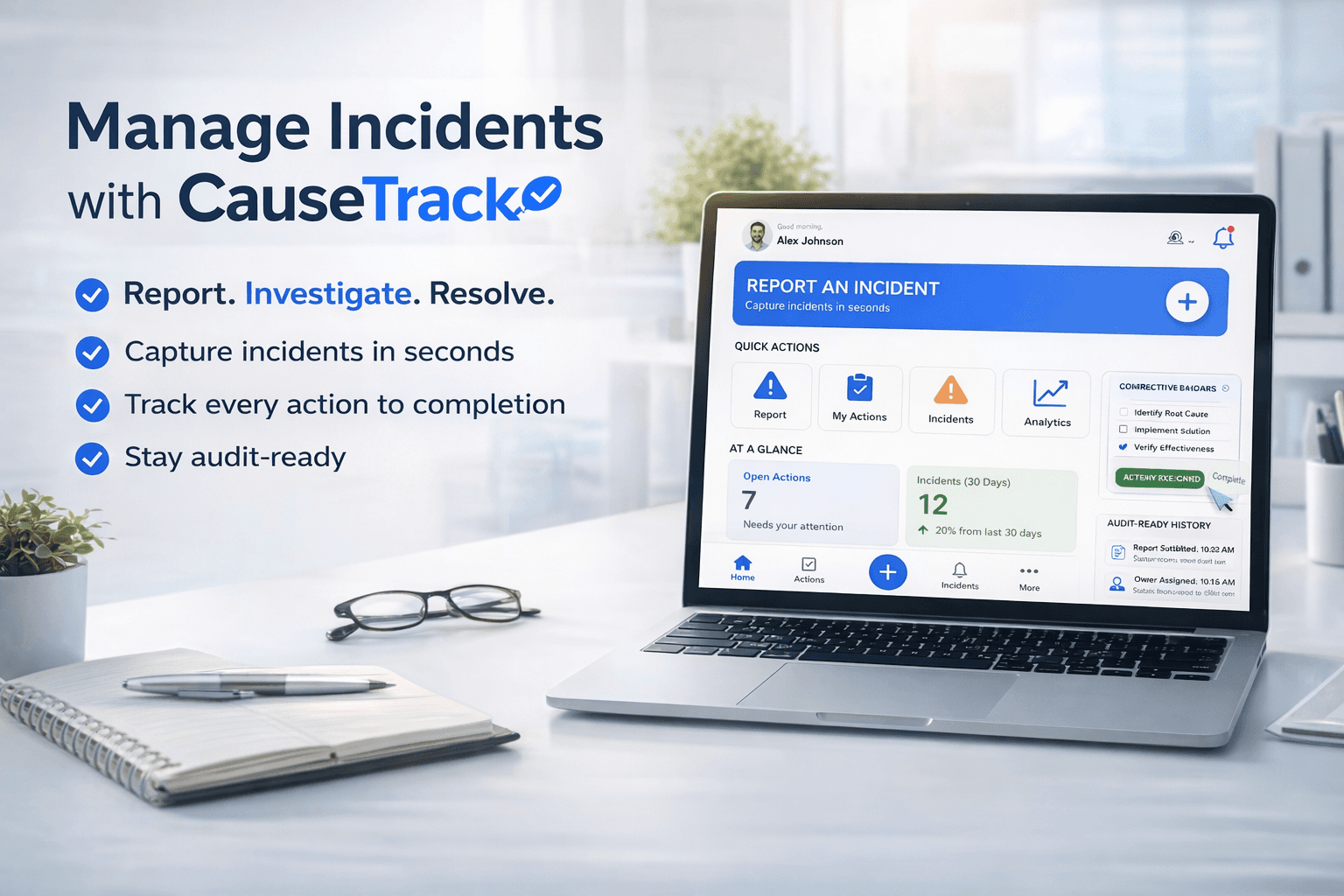
CauseTrack is built for incident reporting, investigation, and corrective actions in one place, with custom forms, role-based access, and a full audit trail. Whether you're a small team or a multi-site organisation, prioritise ease of use, workflow, and traceability when evaluating incident reporting tools.
Continue your evaluation
Use this guide alongside the product pages that explain how CauseTrack handles reporting, routing, and field submission.
Incident reporting software
See the core reporting workflow, custom forms, and scoped visibility.
View pageWorkplace incident reporting
Understand how frontline teams report incidents from sites and operations.
View pagePricing
Compare plans for incident reporting, investigations, and audit-ready workflows.
View pageRelated reading
View all posts
Turn reporting into a controlled workflow
Use CauseTrack to capture incidents, run investigations, and track corrective actions in one place.