Incident Reporting Software Pricing: How to Compare the Real Cost
Compare incident reporting software pricing models, operational seats, reporter access, storage, AI allowances, implementation effort, and total cost of ownership.
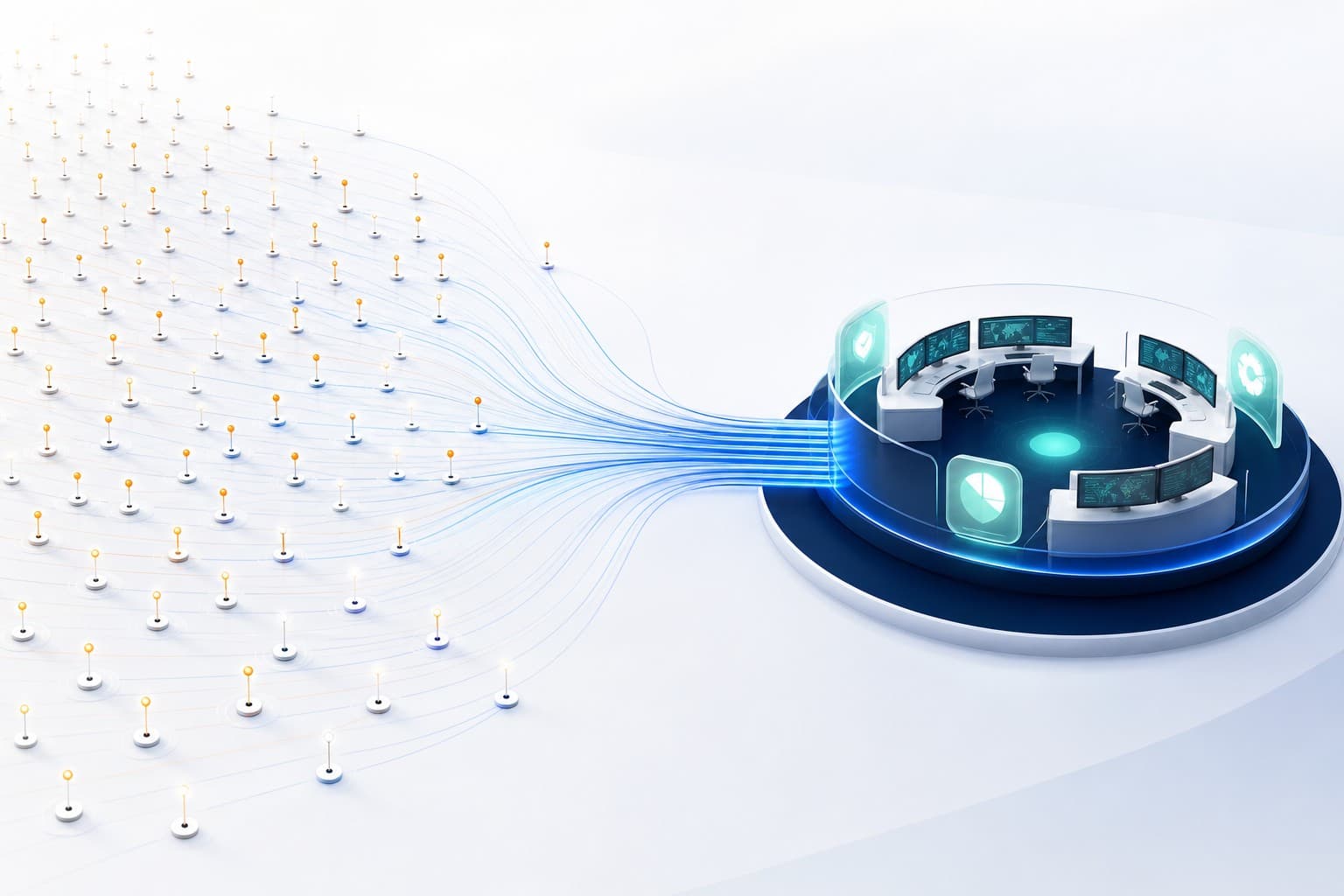
Connect reporting, investigation, corrective action, evidence, and closure.
Incident reporting software pricing is difficult to compare when products charge for different things. One vendor prices every employee, another prices administrators, another charges by site, and another reserves important workflow or AI capabilities for higher tiers.
The cheapest headline price is not always the lowest operational cost.
Common pricing models
Per employee or named user
Every person who can access the product needs a licence. This is easy to calculate but can make broad reporting expensive, especially when thousands of workers only need to submit an occasional concern.
Per operational user
The organisation pays for people who manage reports, investigations, actions, risks, audits, or administration. Report-only participation may be treated differently.
This aligns cost more closely with ongoing operational use, but buyers should confirm exactly which roles consume a seat.
Per site or location
Pricing scales with the number of sites. This can suit organisations with predictable structures but may be less attractive when many small locations need access.
By report volume
Charges increase with submissions. This can create an undesirable incentive to limit reporting and makes cost less predictable during a major event or rollout.
Tiered plans and allowances
Plans may vary by operational seats, storage, retention, AI credits, support, or advanced capabilities. Compare the actual workflow available at each tier, not only the feature count.
Count the people who do different jobs
Before requesting quotes, separate users into groups:
- people who only submit and follow their own reports
- investigators
- site and business-area managers
- corrective-action owners
- risk and audit practitioners
- organisation administrators
- occasional leadership or review users
Then ask which groups require paid seats and what happens when a person has more than one role.
Do not penalise participation
Safety culture benefits when the route to report is broadly available. A commercial model that charges every potential reporter can make organisations restrict access or share accounts.
Unlimited report-only access can remove that tension while preserving paid operational access for the people who manage sensitive work.
Confirm what report-only users can do. They should not quietly receive investigations, exports, organisation dashboards, billing, or other operational authority simply because their licence is free.
Compare the full workflow
A low-cost reporting form may still require separate tools for:
- investigation
- corrective-action tracking
- risk assessments
- audits and inspections
- evidence storage
- dashboards and analytics
- exports and audit history
- AI assistance
Add those systems, integrations, and manual hand-offs to the comparison. One connected platform may reduce administration even when its subscription is not the lowest line item.
Check storage, retention, and AI
Ask how much storage is included, which files count toward it, and what happens near the allowance.
For AI, ask which features are available in each plan, how credits are measured, whether usage is shared across the organisation, and what happens when credits are exhausted. The incident workflow should remain available even when generation is not.
Retention also affects value. Confirm how long audit history and operational records remain available and whether exports are limited to a retention window.
Include implementation and administration
Total cost of ownership includes:
- initial configuration
- data migration
- training
- workflow design
- form and template maintenance
- user and role administration
- integrations
- support
- manual reporting effort
A configurable product can reduce vendor dependency, but somebody inside the organisation still needs to own the operating model.
Questions to ask every vendor
- Who consumes a paid seat?
- Can every worker report without a paid operational licence?
- Which features vary by plan?
- What storage, retention, and AI allowances apply?
- Are implementation or support fees separate?
- Can plans be changed without losing records?
- Are exports available when leaving the service?
- Does the price include investigation and corrective-action workflows?
- How do multi-site organisations scale?
- Which contract, tax, and billing terms apply?
How CauseTrack pricing works
CauseTrack separates operational seats from report-only participation. In active paid organisations, report-only users are free and unlimited. Operational roles reserve seats because they manage reports, investigations, actions, risks, audits, administration, or other controlled workflows.
Plans and allowances can vary for operational seats, storage, retention, AI credits, and AI capabilities. Always use the live CauseTrack pricing page for current inclusions and commercial terms rather than relying on an older article or screenshot.
Final takeaway
Compare incident reporting software by the cost of the operating model you need—not by the smallest number on the pricing card.
The right model should encourage reporting, fund the people doing operational work, and make storage, AI, retention, and feature boundaries understandable before purchase.
Continue your evaluation
Use these resources to design and evaluate the complete incident lifecycle rather than a standalone reporting form.
Safety management software
Explore the connected operating model across incidents, risks, audits, and actions.
View pageIncident reporting software
See how structured reporting begins the wider management workflow.
View pagePricing
Compare current plans, operational seats, storage, and AI allowances.
View pageRelated reading
View all posts
Turn reporting into a controlled workflow
Use CauseTrack to capture incidents, run investigations, and track corrective actions in one place.