Incident Management Software: A Practical Guide from Report to Closure
Learn what workplace incident management software should cover, how it differs from a reporting tool, and what to evaluate before choosing a platform.
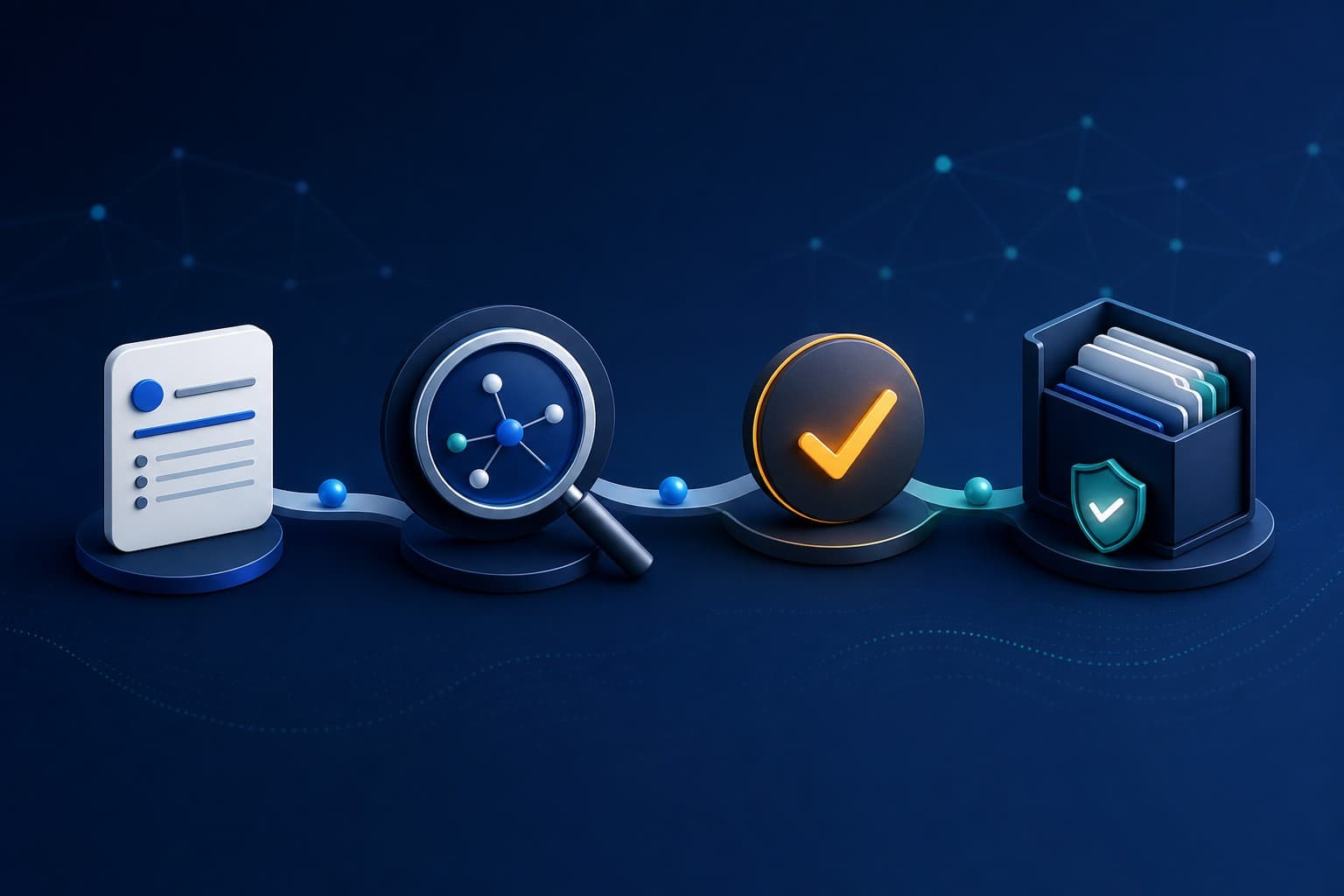
Connect reporting, investigation, corrective action, evidence, and closure.
Incident management software gives safety and operations teams one controlled workflow for capturing an event, understanding why it happened, assigning corrective work, preserving evidence, and confirming closure.
That is broader than incident reporting. A reporting tool records the first account. An incident management system carries that account through the decisions and work that follow.
What is workplace incident management software?
Workplace incident management software is a system for managing the full lifecycle of safety incidents, near misses, hazards, injuries, property damage, environmental events, or other operational concerns.
A complete lifecycle normally includes:
- capturing the initial report
- triaging severity and immediate needs
- assigning the right investigator or manager
- gathering evidence and documenting findings
- identifying contributing and root causes
- creating corrective actions with owners and due dates
- reviewing completion and supporting evidence
- closing the record and learning across sites
The value is not simply having a digital form. It is keeping each stage connected so the organisation can show what was reported, who responded, what changed, and what remains open.
Incident reporting software vs incident management software
The terms are often used interchangeably, but buyers should understand the difference.
Incident reporting software focuses on making it easy to submit, categorise, route, and review reports.
Incident management software includes reporting but continues into investigation, corrective action, approval, evidence, analytics, and closure.
A strong incident reporting software product should therefore be evaluated by what happens after someone presses submit. If the workflow immediately moves into spreadsheets, email, or a separate task system, the organisation still has a fragmented incident-management process.
The capabilities that matter most
Configurable reporting without form chaos
Different operations need different questions. A warehouse, care setting, construction site, and office will not capture identical information. The platform should support configurable forms while keeping categories and required fields consistent enough for useful reporting.
Role and scope controls
Reporters, investigators, managers, action owners, and administrators need different access. Multi-site organisations also need local visibility without exposing every record across the business.
Look for permissions that are enforced in the application and its services, not merely hidden in navigation.
Structured investigation
An investigation record should preserve evidence, findings, analysis, ownership, status, and its connection to the original report. The incident investigation software workflow should help teams look beyond immediate causes without pretending that software can replace a competent investigator.
Corrective actions tied to their source
An action needs a clear owner, due date, status, and reason. Keeping it linked to the incident or finding makes later review much stronger than a detached task list.
Evidence and audit history
Photos, files, notes, comments, state changes, and approval decisions should remain associated with the relevant record. This supports internal review and audit preparation, although using software does not by itself establish compliance or certification.
Search, filters, counts, and usable performance
Safety teams live in operational lists. They need fast filtering by status, site, date, risk, owner, and overdue state. Pagination and server-side queries matter because a system that slows as history grows discourages people from exploring the data.
Who benefits from an integrated system?
Incident management software is especially valuable when:
- reports arrive through several channels
- different sites maintain separate spreadsheets
- investigations have inconsistent structure
- corrective actions are difficult to trace back to their source
- managers build status reports manually
- evidence is scattered across inboxes and folders
- leadership cannot distinguish open work from closed records
The need is not determined only by company size. A smaller organisation with high-risk work or several locations may need stronger control than a much larger office-based business.
How to evaluate a platform
Ask vendors to demonstrate a complete scenario rather than a feature menu:
- Submit a realistic incident as a frontline user.
- Show exactly who can see it and why.
- Assign and perform an investigation.
- Create an action from a finding.
- Show the action owner's experience.
- Add evidence and complete the work.
- Review the audit history and export.
- Repeat the scenario from an unauthorised role.
This reveals workflow gaps, permission weaknesses, and hand-offs that a slide deck can hide.
Where AI can help
AI can reduce the time spent reading long records, drafting a clearer report, or synthesising investigation context. It should remain assistive: people still verify facts, determine causes, choose actions, and approve outcomes.
Useful controls include feature-level enablement, permission-aware context, visible generation metadata, credit or usage controls, and a way to show when a saved summary is no longer current.
How CauseTrack approaches incident management
CauseTrack connects reports, investigations, corrective actions, risk assessments, audits, evidence, dashboards, exports, and assistive AI inside one organisation-scoped platform.
Frontline report-only participation is separated from operational access. Investigators and managers work within assigned scope, while administrators control configuration, modules, roles, and organisation-wide governance.
Explore the complete safety management software workflow or review CauseTrack pricing for current plan, seat, storage, and AI allowances.
Final takeaway
The best incident management software does not merely collect more records. It creates a reliable path from the first signal to verified follow-through.
When evaluating a system, ask one question repeatedly: what happens next? The answer should remain clear from report to investigation, action, evidence, and closure.
Continue your evaluation
Use these resources to design and evaluate the complete incident lifecycle rather than a standalone reporting form.
Safety management software
Explore the connected operating model across incidents, risks, audits, and actions.
View pageIncident reporting software
See how structured reporting begins the wider management workflow.
View pagePricing
Compare current plans, operational seats, storage, and AI allowances.
View pageRelated reading
View all posts
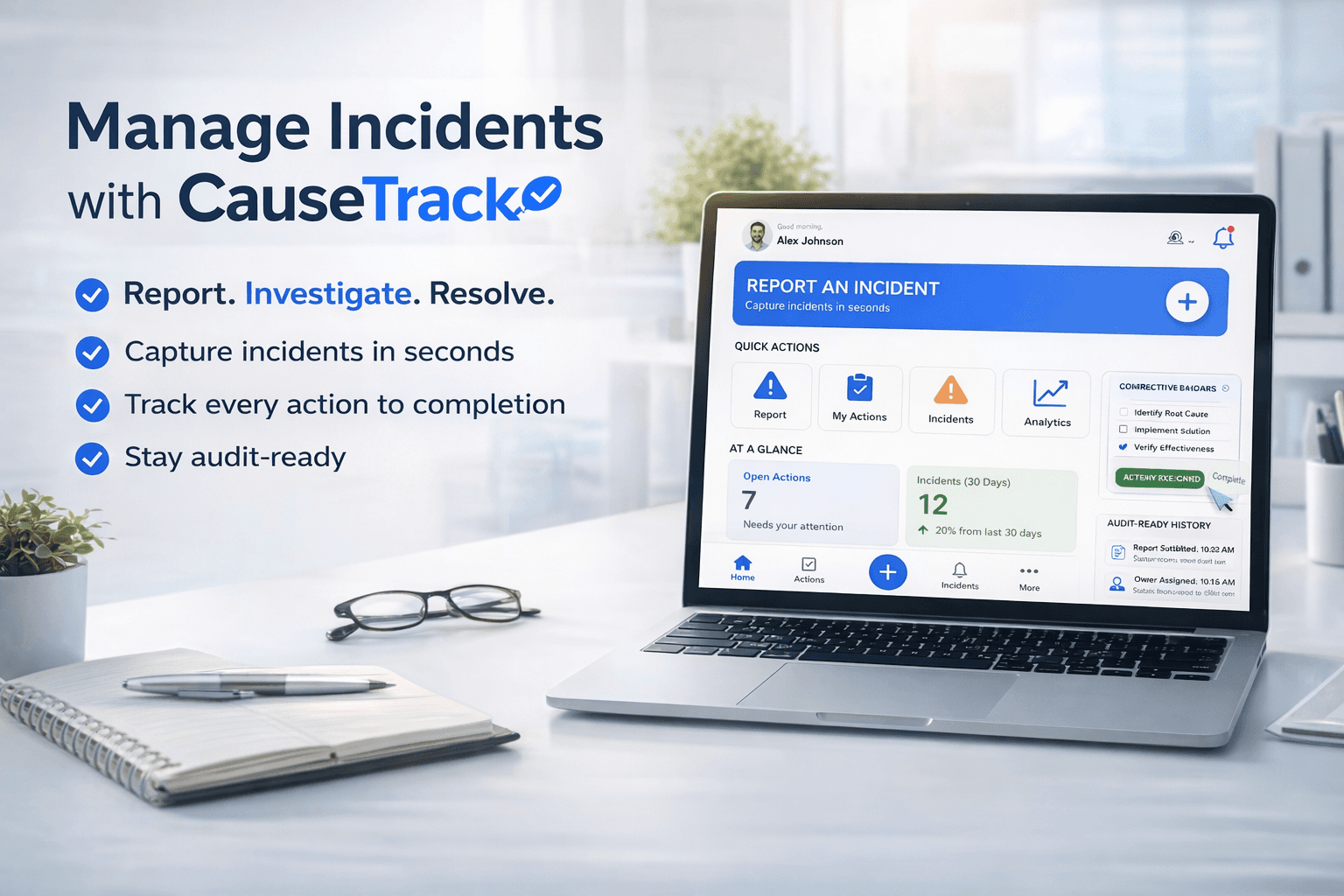
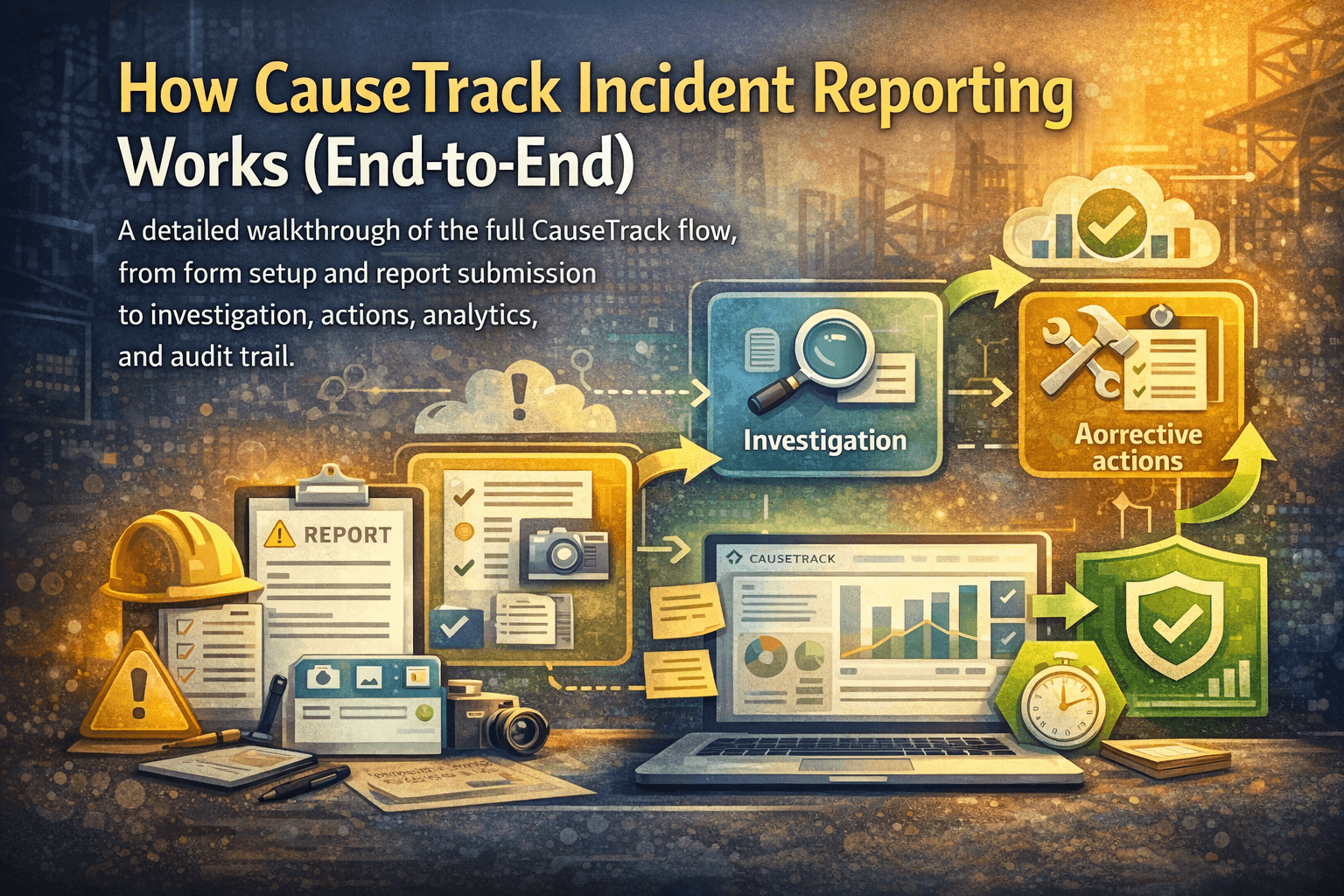
Turn reporting into a controlled workflow
Use CauseTrack to capture incidents, run investigations, and track corrective actions in one place.