AI Incident Management Software: Useful Use Cases, Guardrails, and Buyer Questions
Explore where AI can genuinely help incident reporting and investigation, where human judgement must remain, and what governance controls buyers should expect.

Use AI at governed decision points while preserving evidence and human accountability.
AI can make incident-management work faster, but speed is not the same as sound judgement. The strongest use cases help people read, structure, and synthesise operational records while leaving factual verification, causal conclusions, action selection, and approval with authorised humans.
Where AI can help incident reporting
Improve a draft without changing its meaning
A reporting assistant can help turn fragmented notes into a clearer factual account, prompt for missing context, or improve readability. The reporter should still review every statement before submission.
Summarise a long record
Managers often review the original report, investigation updates, actions, comments, and evidence. A concise summary can reduce reading time and point the reviewer toward open questions.
The underlying record remains the source of truth. A summary is a navigation aid, not evidence.
Support investigation thinking
AI can organise known facts, highlight inconsistencies, propose questions, or suggest areas for further examination. It may help an investigator avoid overlooking context, but it cannot establish that an unverified statement is true.
Assist root-cause review
AI can help structure possible contributing factors or test whether the documented analysis stops at an immediate cause. Final causal conclusions require evidence and competent human review.
Synthesise risk and audit records
Long risk assessments and completed audits can contain many hazards, responses, findings, and actions. AI summaries can help leaders orient themselves before opening the supporting detail.
Where AI should not act alone
Do not delegate these decisions to an unreviewed model:
- deciding whether a legal reporting threshold is met
- determining fault or disciplinary responsibility
- confirming a root cause as fact
- selecting final corrective controls
- approving a risk, audit, or incident closure
- changing source records without visible user action
Safety decisions affect people, operations, and legal duties. Human accountability must remain clear.
Guardrails buyers should expect
Permission-aware context
AI should receive only the records and fields the requesting user is authorised to access. A convenient prompt must not become a route around role or site boundaries.
Feature-level controls
Organisation administrators should be able to enable or disable AI capabilities. Different customers may permit summaries while restricting other forms of generation.
Visible provenance
Users should be able to see that content was generated, when it was generated, and which record it summarises. Where appropriate, retain model, provider, author, or generation metadata.
Freshness indicators
A saved summary can become outdated when the investigation, action, or evidence changes. The interface should show when generated analysis is stale rather than presenting old content as current.
Deliberate usage and cost controls
Generation should be intentional. Confirmation, credit visibility, and regeneration rules help organisations control cost and avoid repeated background calls.
Safe failure behaviour
If AI is unavailable, the core incident workflow should still function. Reporting, investigation, actions, and evidence must not depend on a successful generation request.
Buyer questions for AI incident-management tools
- Which exact workflow steps use AI today?
- What source data is included in each request?
- Are organisation, role, site, and record permissions preserved?
- Can administrators disable individual AI features?
- Is generated content saved separately from source evidence?
- Can users identify stale output after the record changes?
- Who is expected to review and approve the result?
- What happens when the model or provider is unavailable?
- How is usage measured and controlled?
- Does the vendor make unsupported claims about compliance or prevention?
How CauseTrack uses assistive AI
CauseTrack places AI inside defined workflow moments rather than presenting a disconnected general chatbot. Current capabilities include AI assistance for reporting and investigations, root-cause review, and saved summaries for reports, risk assessments, and audits, subject to plan availability and organisation settings.
Generated output remains separate from the underlying operational record. Permissions, module controls, feature settings, workflow state, and shared AI credits govern access and use. Human users remain responsible for verification and decisions.
Explore AI-integrated safety management software or review current pricing and AI allowances.
Final takeaway
The right question is not whether incident-management software has AI. It is whether AI appears at a useful decision point with enough context, clear limits, and visible human accountability.
Treat assistive AI as leverage for careful people—not a substitute for them.
Continue your evaluation
These pages explain how CauseTrack places assistive AI inside reporting, investigation, risk, and audit workflows.
Safety management software
See AI summaries and assistance inside the wider safety operating workflow.
View pageIncident investigation software
Explore investigation assistance, evidence, findings, and root-cause review.
View pagePricing
Review current AI capabilities, plan availability, and shared credit allowances.
View pageRelated reading
View all posts
Turn reporting into a controlled workflow
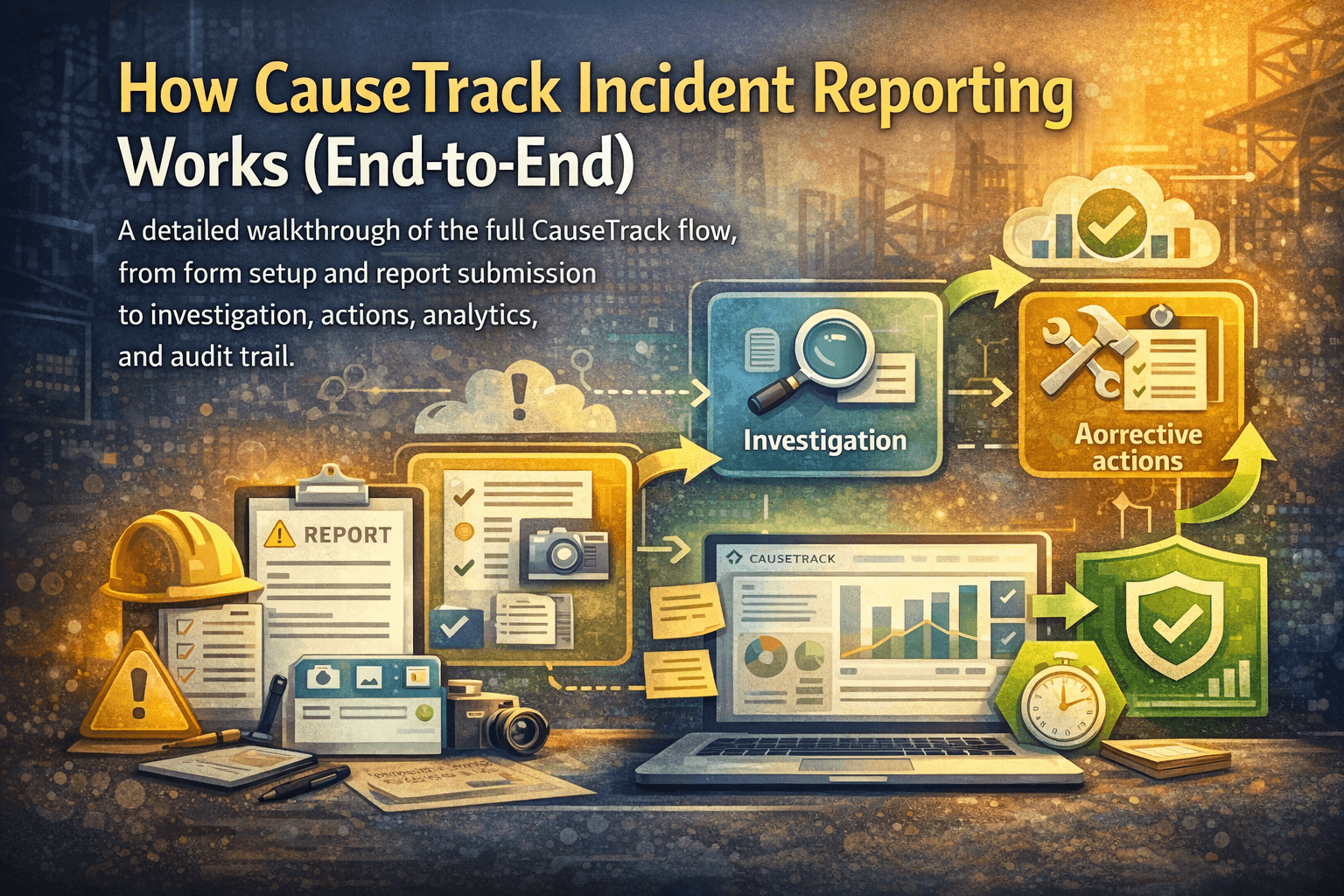
Use CauseTrack to capture incidents, run investigations, and track corrective actions in one place.