RIDDOR and Incident Reporting Software: A Practical Guide for UK Employers
Learn how internal incident reporting software can support RIDDOR recordkeeping and decision workflows without replacing the responsible person's legal judgement.

Run multi-site reporting, role-based review, and compliance-ready follow-through.
RIDDOR creates legal duties to report and keep records of specified work-related deaths, injuries, occupational diseases, and dangerous occurrences in Great Britain.
Incident reporting software can support the internal process, but it does not decide whether an event is legally reportable and it does not submit a statutory report unless that capability is explicitly provided and verified.
What RIDDOR requires
RIDDOR is the Reporting of Injuries, Diseases and Dangerous Occurrences Regulations 2013. The HSE explains that the law requires employers and certain other responsible persons to report and keep records of defined events.
Not every workplace incident is reportable. HSE guidance states that a RIDDOR report is required only when the relevant criteria are met. The current categories and definitions should always be checked directly in the official HSE RIDDOR guidance.
The responsible person—not the software vendor—must determine the duty and use the correct HSE reporting route.
Internal reporting and RIDDOR reporting are different
An internal safety reporting system should capture more than the events that become statutory reports.
Near misses, lower-severity injuries, hazards, equipment failures, and unsafe conditions may not meet a RIDDOR threshold but can still reveal weak controls and opportunities to prevent harm.
Think of the two processes this way:
- Internal incident reporting creates the organisation's operational record and starts follow-up.
- RIDDOR reporting is a separate statutory notification made by the responsible person when legal criteria are met.
The internal record can support the decision and preserve evidence, but the two should not be confused.
How software can support a RIDDOR workflow
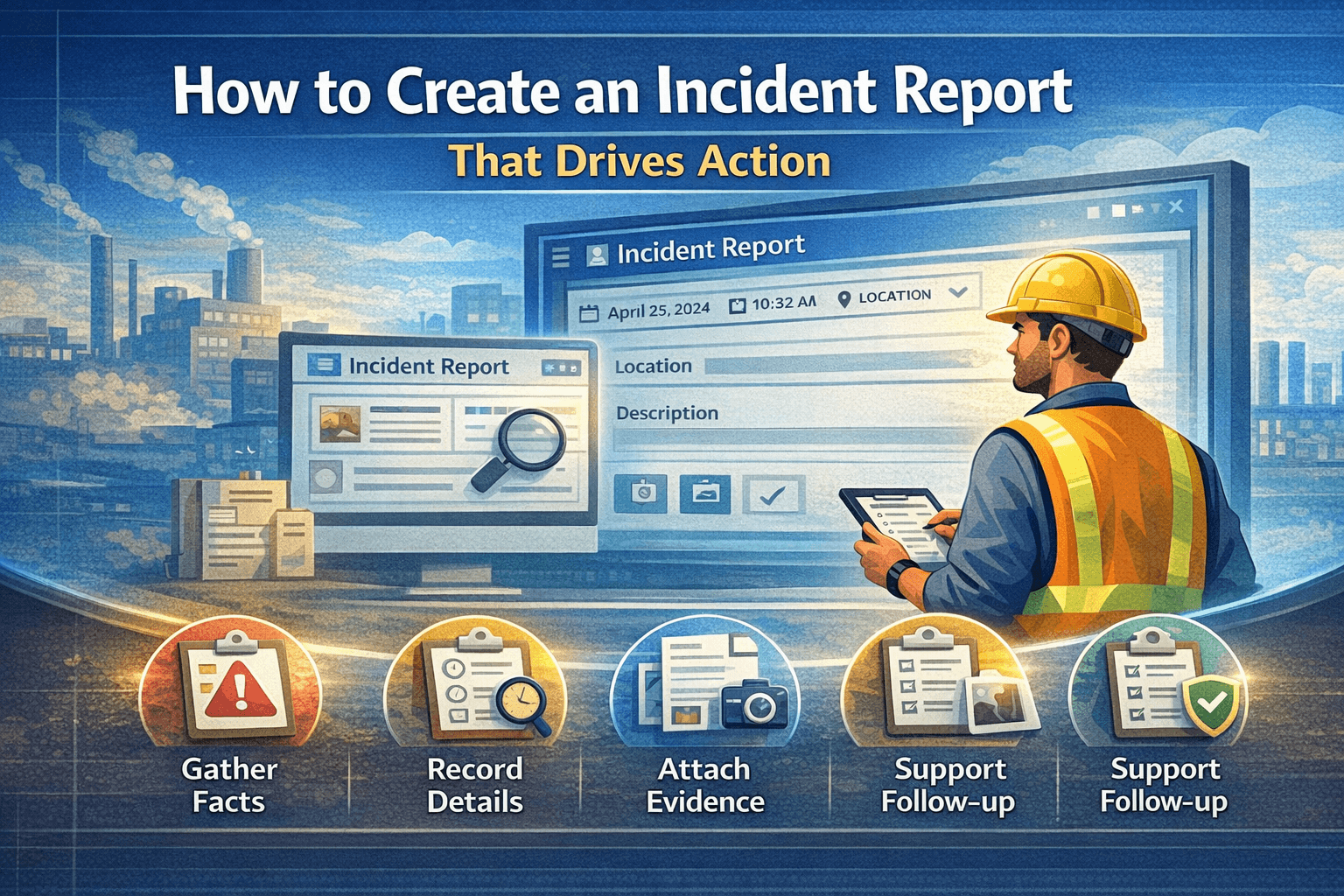
Capture the facts promptly
Structured forms help retain date, time, location, people involved, event description, injury or outcome, immediate controls, and supporting evidence while information is fresh.
Route the record to a competent reviewer
Potentially serious events should reach the appropriate manager or safety professional quickly. Role and site scope help route access without exposing sensitive records across the whole organisation.
Record the reportability decision
The system can preserve whether RIDDOR was considered, who made the decision, when it was made, and any reference or rationale the organisation chooses to record.
Do not rely on a generic severity score as a substitute for the legal test. The HSE's current types of reportable incidents guidance should be the primary reference.
Preserve the investigation and corrective actions
Statutory notification is not the end of incident management. The organisation still needs to investigate appropriately, address causes, assign corrective actions, and verify follow-through.
Keep records accessible and controlled
Authorised users should be able to retrieve the report, decision, evidence, investigation, and resulting actions. Audit history and retention controls support governance, but retention periods must be configured and managed against the organisation's actual legal and policy requirements.
Questions software should never answer on its own
Be cautious if a product implies that it can guarantee RIDDOR compliance automatically.
Software should not independently determine:
- whether work activity caused or contributed to the event
- whether an injury meets the current statutory definition
- who the responsible person is in a complex arrangement
- whether a specific exception applies
- whether additional regulator or sector notifications are required
These decisions may require legal, safety, occupational-health, or sector-specific expertise.
A practical internal review checklist
When a potentially reportable event is submitted:
- Protect people and control immediate risk.
- Preserve relevant evidence.
- Escalate to the designated responsible person.
- Check the current HSE guidance and applicable definitions.
- Record the decision and statutory submission reference where appropriate.
- Continue the internal investigation and corrective-action workflow.
- Monitor actions to completion and retain the required record.
For the official submission process, use the HSE's Make a RIDDOR report guidance.
How CauseTrack supports the internal process
CauseTrack provides configurable reports, scoped access, investigations, evidence, corrective actions, audit history, exports, and operational dashboards. These capabilities help organisations maintain a coherent internal record from initial submission through follow-up.
CauseTrack does not replace the responsible person's legal judgement or the official HSE reporting process. Customers should configure forms, workflows, retention, and escalation against their own duties and competent advice.
Explore workplace incident reporting or review the broader incident management process.
Final takeaway
Good software makes the evidence and workflow easier to manage. It should help the responsible person make and preserve an informed decision—not hide that decision behind an automated compliance claim.
Continue your evaluation
Use these pages if you are evaluating how CauseTrack supports safety operations beyond a single form or event record.
Safety management software
Explore the full operating model for reports, investigations, and actions.
View pageWorkplace incident reporting
See how reporting works for frontline teams, sites, and day-to-day operations.
View pagePricing
Check plan options for scaling safety workflows across teams and locations.
View pageRelated reading
View all posts

Turn reporting into a controlled workflow
Use CauseTrack to capture incidents, run investigations, and track corrective actions in one place.