How to Create an Incident Report That Drives Action
A step-by-step guide to writing clear, actionable incident reports that support investigations and compliance.
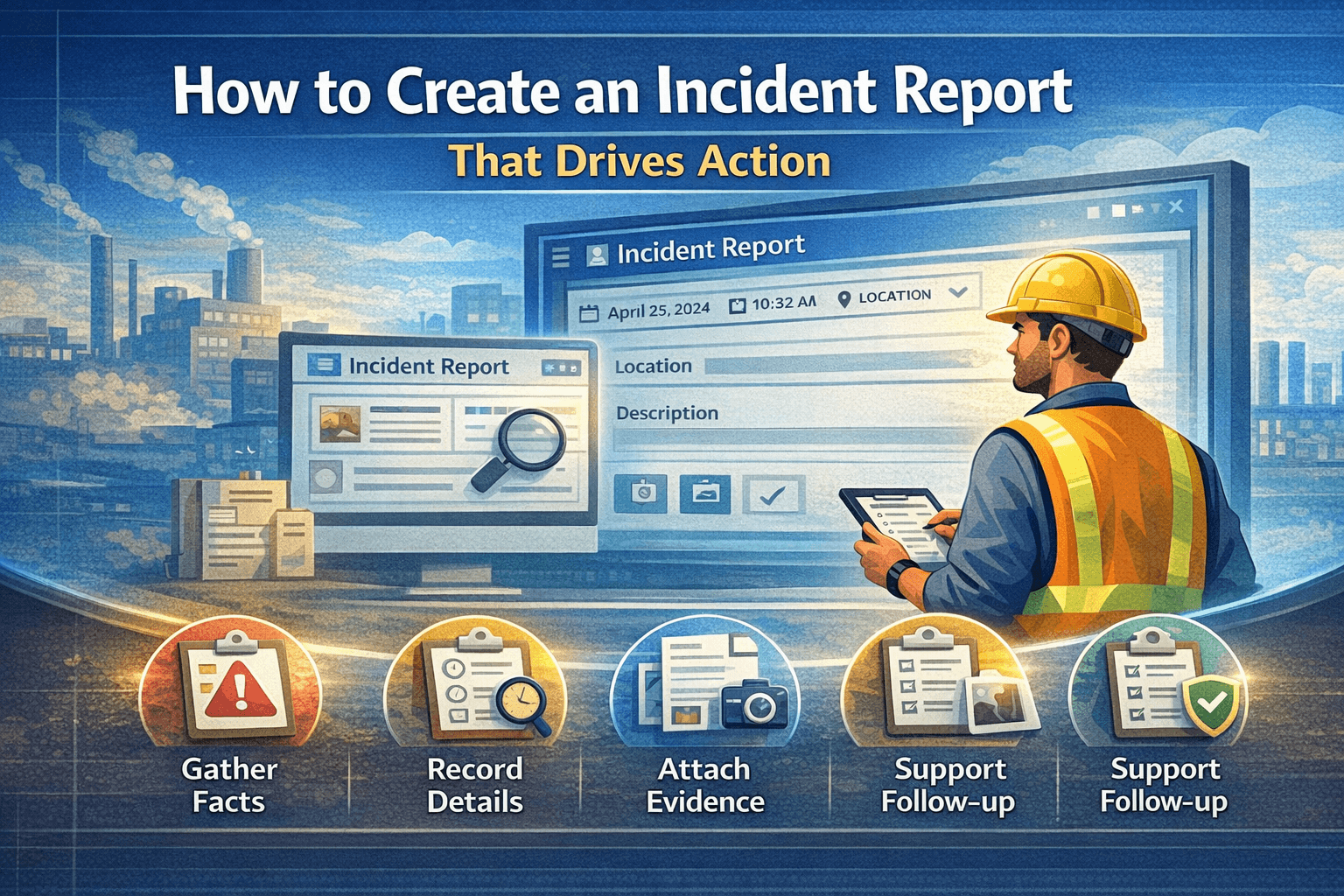
Capture incidents quickly, standardise report quality, and route work cleanly.
Incident reporting is the first link in the chain of workplace safety and compliance. When done well, it gives your team a clear record of what happened and sets the stage for effective investigation and corrective actions.
Why incident reports matter
Every incident, whether a near-miss, injury, or equipment failure, holds information that can prevent future occurrences. A well-written incident report captures facts while they're fresh, supports root cause analysis, and helps meet regulatory requirements. Without a consistent process, details get lost and patterns go unnoticed.
What to include in an incident report
Date, time, and location. Record when and where the incident occurred. Be specific about the area or site so investigators can revisit the scene if needed.
People involved. List who was involved, who witnessed the event, and who was notified. Protect privacy where required, but ensure investigators can follow up.
Description of what happened. Write a clear, factual narrative. Avoid blame or assumptions. Stick to what you observed: what was the sequence of events' What was the person doing' What did they see or hear'
Immediate actions taken. Note any first aid, evacuation, or containment steps. This shows that the situation was managed and helps with compliance documentation.
Contributing factors (if obvious). If something clearly contributed (e.g. wet floor, missing guard), note it. Leave deeper analysis to the investigation phase.
Attachments. Photos, diagrams, or documents that support the report should be attached when possible. Many incident reporting software tools let you attach files directly to the report.
Best practices for writing incident reports
- Report as soon as possible so details are accurate.
- Use plain language so anyone reading it can understand.
- Be objective; avoid opinions or conclusions until the investigation is complete.
- Use a standard form so nothing important is missed. CauseTrack and other incident reporting software provide structured forms that you can customise to your sites and business areas.
How incident reporting software helps
Dedicated incident reporting software centralises reports, routes them to the right people, and keeps a clear audit trail. Teams can submit from the field, attach evidence, and track status from submission through investigation and closure. If you're evaluating tools, look for role-based access, custom forms, and integration with your investigation and action workflows.
Getting incident reporting right improves safety culture, supports investigations, and keeps your organisation compliant. Start with a simple, consistent process and refine it as you learn what your team and regulators need.
Continue your evaluation
Use this guide alongside the product pages that explain how CauseTrack handles reporting, routing, and field submission.
Incident reporting software
See the core reporting workflow, custom forms, and scoped visibility.
View pageWorkplace incident reporting
Understand how frontline teams report incidents from sites and operations.
View pagePricing
Compare plans for incident reporting, investigations, and audit-ready workflows.
View pageRelated reading
View all posts
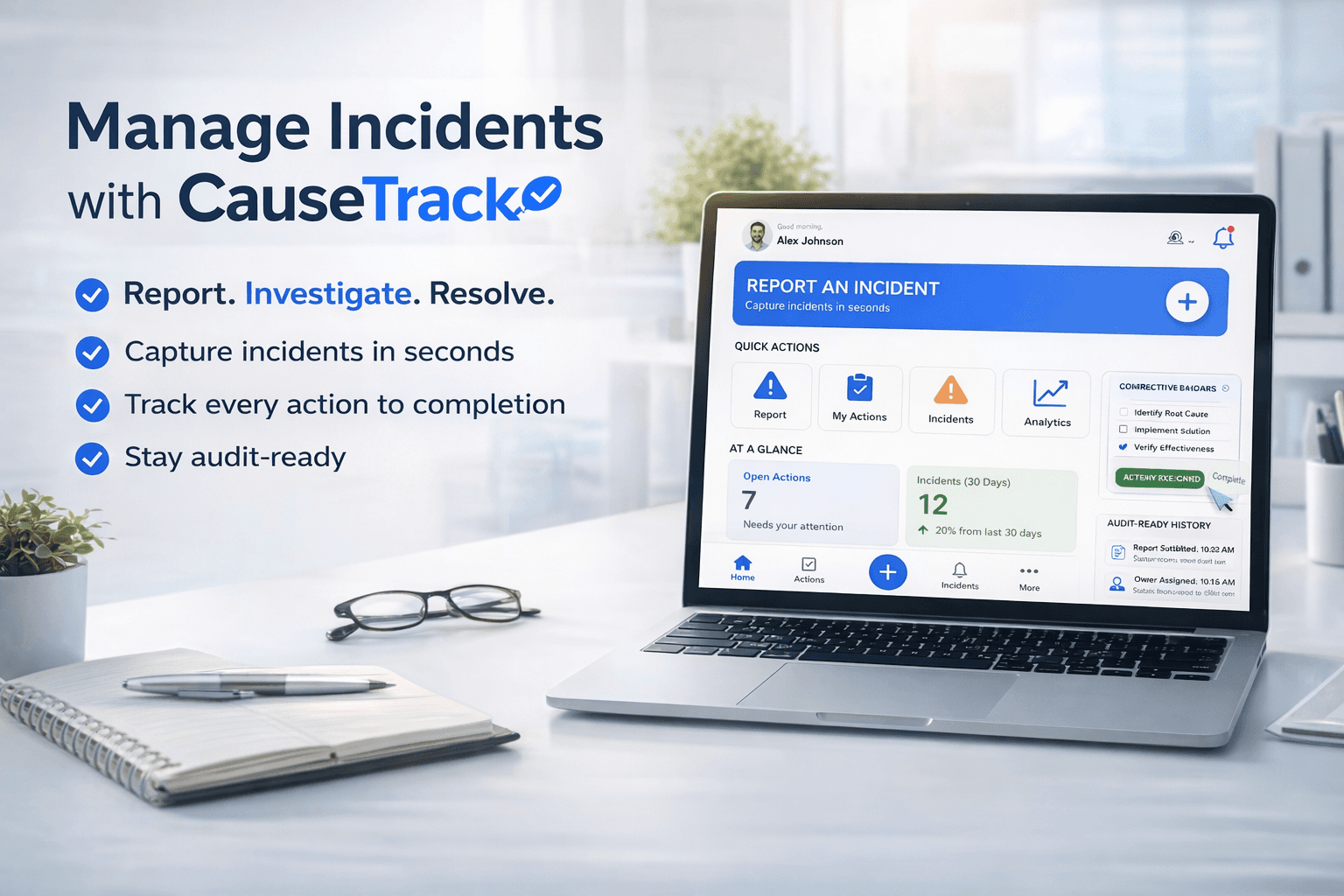
Turn reporting into a controlled workflow
Use CauseTrack to capture incidents, run investigations, and track corrective actions in one place.