Near Miss Reporting Software: How to Capture More Reports and Prevent Repeat Incidents
A practical guide to improving near-miss reporting with software that makes reporting easier, faster, and more actionable.
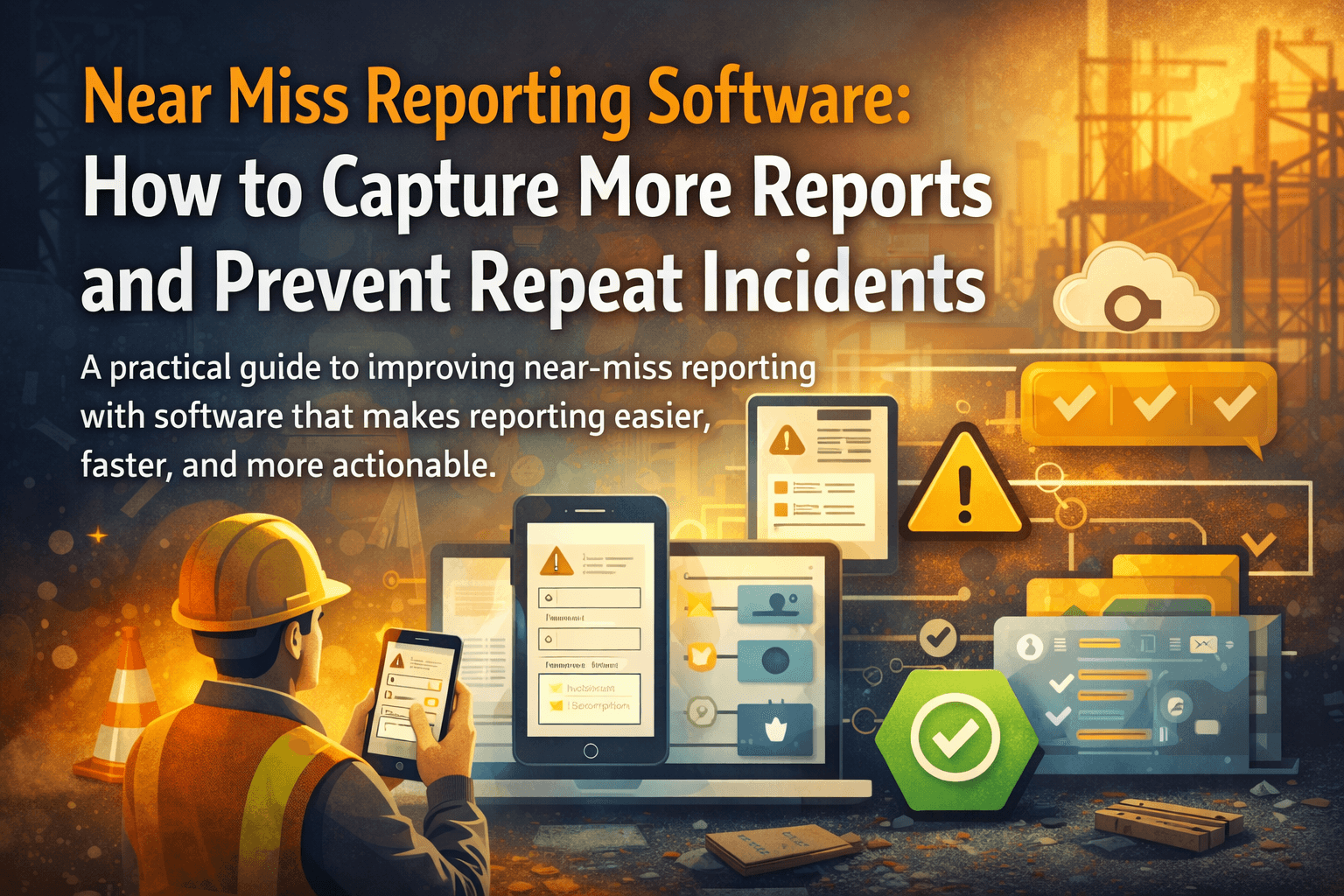
Run multi-site reporting, role-based review, and compliance-ready follow-through.
Near misses are some of the most valuable safety signals in any operation. They show where controls are weak before someone is injured, equipment is damaged, or production is disrupted.
The problem is that near misses are also the easiest events to under-report.
People often think the event was too small, too routine, or too ambiguous to log. If the process is slow or unclear, the report never gets made. That means the organisation loses the chance to fix the issue while the cost is still low.
Why near miss reporting breaks down
Most teams do not have a motivation problem. They have a workflow problem.
Near miss reporting drops when:
- the form is too long
- the reporting channel is hard to access from the field
- people are unsure what counts as a near miss
- nothing visible happens after a report is submitted
When that happens, the organisation starts learning only from incidents that already caused damage.
What near miss reporting software should improve
Near miss reporting software should do three things better than a manual process.
Make reporting quick enough to happen in real life
If a worker or supervisor needs ten minutes and multiple screens to log a near miss, the report will often be postponed or reduced to a vague summary later.
The ideal process is simple:
- select site or area
- choose the right form
- describe what happened
- attach a photo if needed
- submit
That is how reporting volume improves without forcing it.
Create enough structure to support action
Fast reporting matters, but vague reporting is still a problem. The form should capture enough context that the next person can act without starting from zero.
That usually means collecting:
- date and location
- event description
- immediate controls taken
- equipment, area, or process involved
- supporting evidence
Good software balances speed and structure instead of sacrificing one for the other.
Close the loop visibly
If people report near misses and never hear what happened next, reporting fades.
The system should make follow-through obvious:
- who is reviewing the report
- whether investigation is needed
- what corrective action was created
- whether the action is complete or overdue
That feedback loop is what turns reporting into culture instead of compliance theater.
Why near misses matter so much operationally
Near misses are often the cheapest safety events to learn from. They reveal the same weaknesses that cause serious incidents:
- unclear procedures
- poor housekeeping
- equipment defects
- weak supervision
- training gaps
Treating near misses seriously gives teams a way to reduce risk before the next event becomes an injury or shutdown.
What to look for in near miss reporting software
If near miss reporting is a priority, look for software that supports:
- custom forms by site or risk area
- mobile-friendly submission
- role-based routing
- linked investigations and corrective actions
- dashboards for open and overdue items
- audit trail for review and follow-up
Without those, the software may collect more records but still fail to create action.
Where many tools fall short
Some platforms make it easy to submit an event but are weak on what happens after submission. Others are strong on analytics but too heavy for frontline reporting.
The better option is a workflow that connects:
near miss report -> review -> investigation if needed -> corrective action -> closure
That is the process that reduces repeat events, not just the report count.
Where CauseTrack fits
CauseTrack is built for teams that want a connected workflow, not just a reporting inbox. Reports can be submitted with structured forms, routed by role and scope, moved into investigation, and linked directly to corrective actions.
For organisations trying to improve near miss reporting rates, that combination matters. It keeps reporting easy for frontline teams while giving managers and investigators the control they need afterward.
If your safety process is broader than near misses alone, workplace incident reporting should still connect to the same end-to-end workflow.
Final takeaway
If your organisation wants more near miss reports, start by removing friction and making follow-through visible. The goal is not to collect more noise. It is to capture earlier signals and act on them before a more serious incident happens.
Continue your evaluation
Use these pages if you are evaluating how CauseTrack supports safety operations beyond a single form or event record.
Safety management software
Explore the full operating model for reports, investigations, and actions.
View pageWorkplace incident reporting
See how reporting works for frontline teams, sites, and day-to-day operations.
View pagePricing
Check plan options for scaling safety workflows across teams and locations.
View pageRelated reading
View all posts
Turn reporting into a controlled workflow
Use CauseTrack to capture incidents, run investigations, and track corrective actions in one place.