Multi-Site Incident Management Software: How to Standardise Without Losing Local Control
A practical guide to incident reporting, investigations, actions, permissions, and oversight across multiple sites and business areas.

Run multi-site reporting, role-based review, and compliance-ready follow-through.
Multi-site incident management is a balancing act. Leadership needs consistent data and organisation-wide visibility, while local teams need workflows that reflect their hazards, responsibilities, and pace of work.
The wrong approach creates either central bureaucracy or disconnected local spreadsheets. The right software supports shared governance with local operational scope.
Why incident management becomes harder across sites
As locations grow, familiar problems multiply:
- sites use different forms and terminology
- reports reach managers through different channels
- investigators cannot easily see assigned work
- corrective actions are tracked locally with no central view
- leadership compares inconsistent categories
- access becomes too broad or too restrictive
- evidence and closure standards vary
The goal is not to make every site identical. It is to standardise the parts that enable control, comparison, and learning.
Build an organisation model before building forms
Start with the operational structure:
- business areas or divisions
- sites and locations
- site managers
- business-area managers
- investigators
- administrators
- report-only participants
This structure should drive access and ownership. A site manager may need broad visibility within one site but no access elsewhere. A business-area manager may need several sites. An investigator may need assigned-site access without approval authority.
Standardise the reporting core
Every site should capture a common minimum dataset so the organisation can compare and learn. This may include event type, date, site, status, severity, immediate action, and narrative context.
Allow additional questions where work differs. A configurable platform can use different forms without abandoning shared categories and governance.
Read the guide to configurable incident reporting software before converting every local spreadsheet into a separate digital form.
Keep local ownership visible
Reports need a clear path to the managers and investigators responsible for that site. Corrective actions need owners who can actually perform the work.
Useful multi-site views include:
- work assigned to me
- open reports for my site
- investigations across assigned sites
- overdue actions within my business area
- organisation-wide exceptions for administrators
This reduces noise and makes each queue actionable.
Preserve approval boundaries
Operational access and approval authority are not the same. An investigator may create or complete work while an eligible manager approves a risk decision, audit outcome, or closure.
Software should enforce those boundaries consistently in both the interface and underlying services.
Compare sites responsibly
Raw incident counts can mislead. A site with more reports may have greater exposure, but it may also have a healthier reporting culture.
Combine counts with context such as:
- workforce or activity level
- near-miss participation
- overdue investigation and action age
- repeated categories or causes
- residual risk
- evidence and closure quality
Use comparison to ask better questions, not to punish reporting.
What to test in a multi-site demo
Ask the vendor to demonstrate:
- one reporter submitting at Site A
- a Site A manager reviewing the report
- a Site B manager attempting to access it
- an investigator working across two assigned sites
- a business-area manager viewing only their area
- an administrator comparing organisation-wide activity
- reassignment when people or structures change
- an export that preserves site and workflow context
This exposes whether scope is a genuine authorisation rule or merely a default filter.
How CauseTrack supports multi-site operations
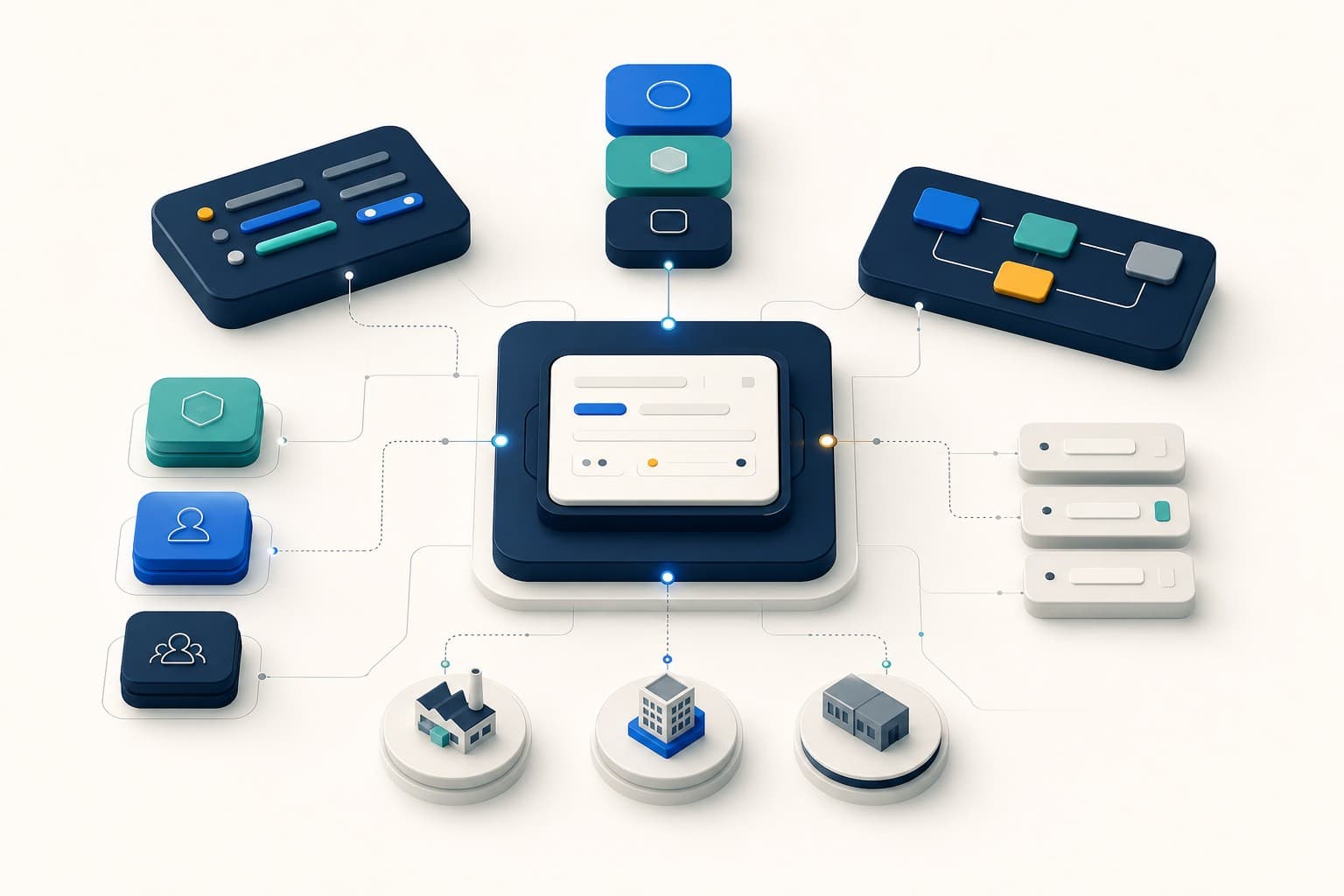
CauseTrack models organisations through business areas, sites, role assignments, and operational scope. Managers and investigators receive relevant access, while administrators retain organisation-wide configuration and governance.
Reports, investigations, actions, risks, and audits use scoped operational views. Bulk assignment controls reduce repetitive setup, while configurable forms and templates allow local relevance inside a shared platform.
The result is one connected safety operating model without one uncontrolled global queue.
Explore safety management software for the wider platform or compare current CauseTrack pricing for operational teams and unlimited report-only participation in active paid organisations.
Final takeaway
Multi-site incident management works when standards travel across the organisation but responsibility stays close to the work.
Choose software that can prove both sides: central oversight and enforced local scope.
Continue your evaluation
Use these pages if you are evaluating how CauseTrack supports safety operations beyond a single form or event record.
Safety management software
Explore the full operating model for reports, investigations, and actions.
View pageWorkplace incident reporting
See how reporting works for frontline teams, sites, and day-to-day operations.
View pagePricing
Check plan options for scaling safety workflows across teams and locations.
View pageRelated reading
View all posts

Turn reporting into a controlled workflow
Use CauseTrack to capture incidents, run investigations, and track corrective actions in one place.