Configurable Incident Reporting Software: What Should You Be Able to Change?
Learn which forms, workflows, roles, sites, templates, and modules should be configurable—and where standardisation protects data quality.
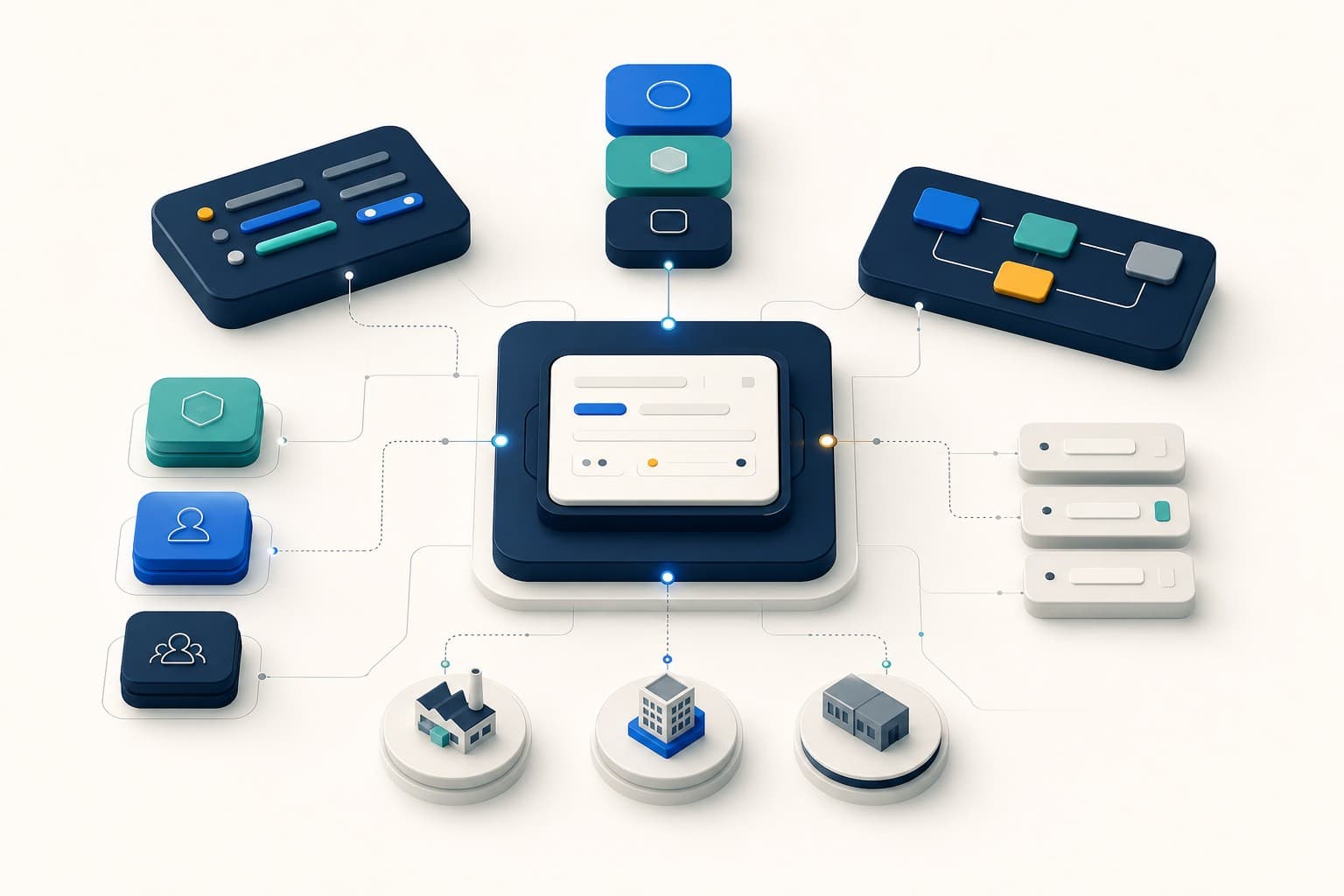
Capture incidents quickly, standardise report quality, and route work cleanly.
Configurable incident reporting software should adapt to the organisation without turning every team into its own disconnected system.
The design challenge is deciding what customers should be able to change, what should remain standard, and which changes require governance.
Configure the questions people are asked
Forms should capture information relevant to the event and operational setting. Useful options include:
- text, choice, date, number, and structured response fields
- required and optional questions
- clear help text
- form status and availability
- assignment to relevant sites or operational contexts
Avoid copying every field from an old spreadsheet. Begin with the information needed for triage and investigation, then remove questions that do not influence a decision.
Configure event types without fragmenting language
Organisations may need different forms for injury, near miss, hazard, property damage, environmental event, security concern, or quality issue.
Keep a shared reporting core so leadership can compare activity. Local detail can vary, but common categories, dates, sites, and statuses should remain reliable.
Configure the organisation structure
Multi-site teams need to model business areas, sites, and responsibility. This should control who sees records and which forms or templates are available.
The structure must remain understandable to administrators. If every access decision requires custom code or vendor support, the platform is customised rather than truly configurable.
Configure roles and operational scope
Different users need different capabilities:
- report-only users submit and follow their own reports
- investigators work on authorised incidents and sites
- site managers oversee local operations
- business-area managers work across assigned areas
- organisation administrators control global configuration and governance
Role names alone are not enough. Access should combine role, organisation membership, operational assignment, record state, and enabled module.
Configure workflow modules
Some organisations introduce capabilities in phases. They may begin with reports and investigations, then add actions, risk assessments, audits, analytics, or report generation.
Module controls should be enforced in APIs and services as well as navigation. Otherwise a hidden menu item can leave the underlying capability reachable.
Configure templates for risk and audit work
Incident management often sits alongside preventive workflows. Risk-assessment templates and audit checklists let teams standardise repeatable work while retaining record-specific hazards, responses, evidence, findings, and actions.
Operational users may need reduced reference data without receiving full template-management rights. That distinction protects governance without blocking daily work.
Configure AI deliberately
AI generation should have a master organisation control and feature-specific settings. A customer may allow record summaries while disabling report assistance or root-cause support.
Configuration should also reflect plan availability and usage allowances. The core workflow must continue when AI is disabled.
What should remain standard?
Too much flexibility damages reporting quality. Keep these elements controlled:
- stable record identifiers
- organisation and tenant boundaries
- status-transition rules
- audit-history behaviour
- permission enforcement
- action ownership and due dates
- evidence association
- deterministic exports
Customers should configure the operating model, not weaken record integrity.
A practical configuration workshop
Before launch, bring together safety, operations, administration, and representative frontline users. Work through:
- Which events should people report?
- What is the minimum useful information?
- Which questions differ by operation?
- Who triages each report?
- Who investigates and who approves?
- How are actions assigned and verified?
- Which sites and business areas need separate scope?
- Which modules and AI capabilities should launch first?
Pilot with a representative area before expanding. Use real feedback to simplify forms and clarify ownership.
How CauseTrack is configured
CauseTrack combines configurable report forms, organisation structure, site and business-area assignments, role-based scope, risk templates, audit checklists, module switches, and AI feature controls.
These settings sit inside enforced permission and lifecycle rules. That allows customers to adapt the workflow while preserving tenant isolation, record state, and approval boundaries.
See the CauseTrack incident reporting workflow or compare capabilities in the software buyer's guide.
Final takeaway
Configuration should make the product feel native to the organisation. Governance should ensure it still behaves like one system.
Look for both: meaningful flexibility for daily work and firm boundaries for access, state, and evidence.
Continue your evaluation
Use this guide alongside the product pages that explain how CauseTrack handles reporting, routing, and field submission.
Incident reporting software
See the core reporting workflow, custom forms, and scoped visibility.
View pageWorkplace incident reporting
Understand how frontline teams report incidents from sites and operations.
View pagePricing
Compare plans for incident reporting, investigations, and audit-ready workflows.
View pageRelated reading
View all posts

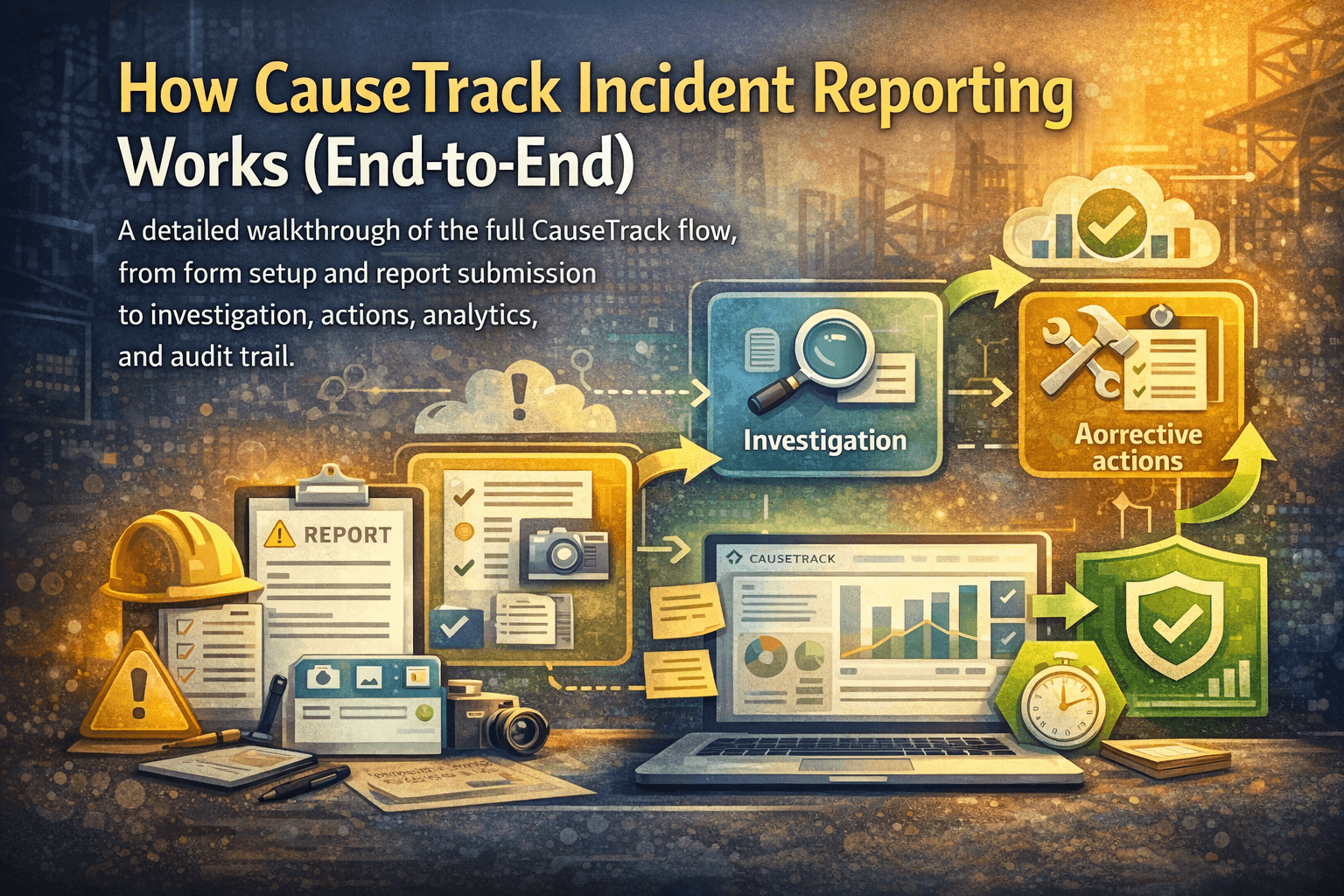
Turn reporting into a controlled workflow
Use CauseTrack to capture incidents, run investigations, and track corrective actions in one place.