Accident Reporting Software vs Incident Management Software: What Is the Difference?
Understand the difference between accident reporting, incident reporting, and full incident management before choosing workplace safety software.
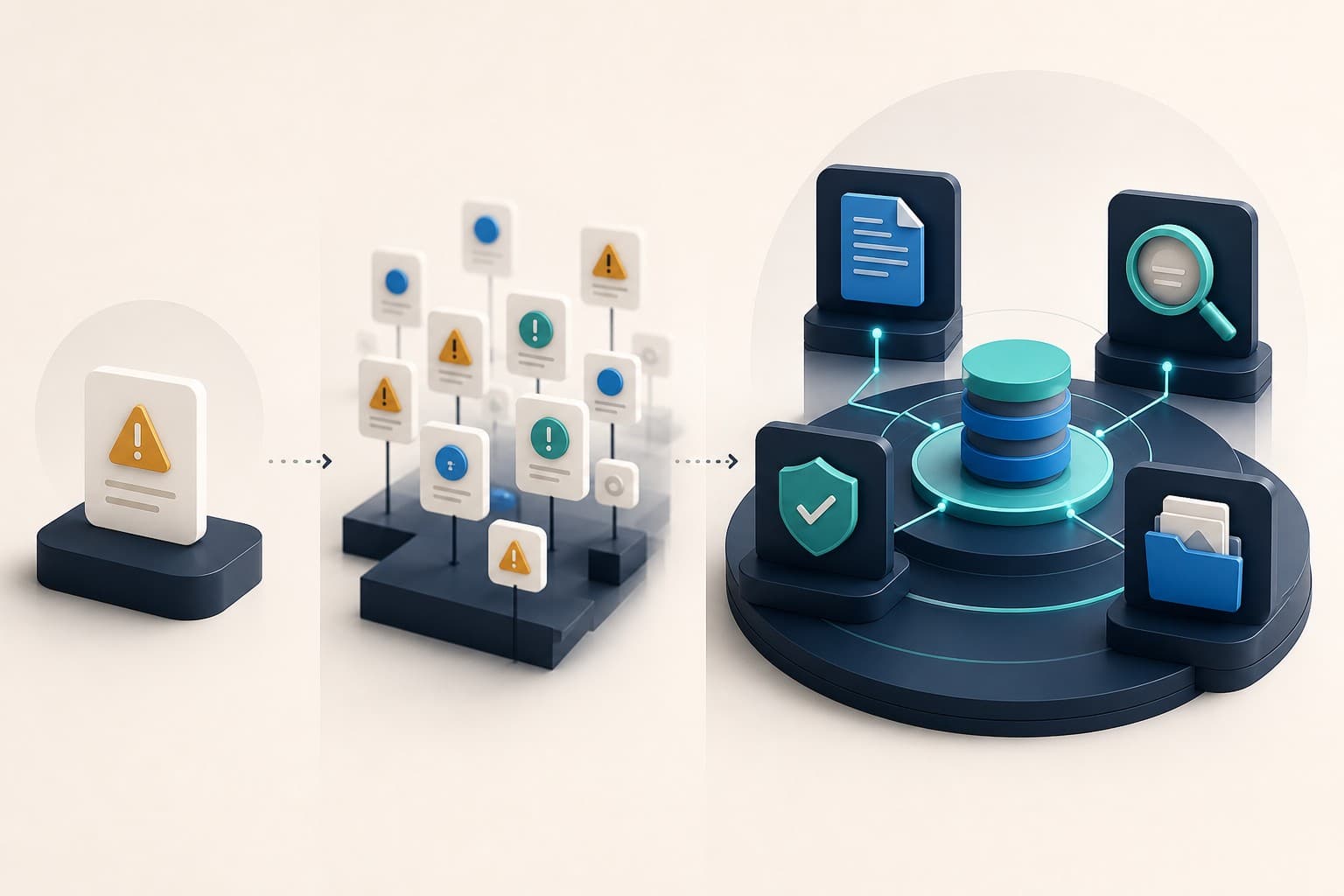
Connect reporting, investigation, corrective action, evidence, and closure.
Accident reporting software, incident reporting software, and incident management software sound similar, but they can describe very different levels of capability.
Understanding the distinction helps buyers avoid choosing a digital form when they actually need an operating workflow.
What is accident reporting software?
Accident reporting software is commonly focused on events that resulted in injury, damage, loss, or another unwanted outcome. It replaces paper accident books, spreadsheets, or basic online forms with a consistent digital record.
Typical functions include:
- date, time, and location capture
- details of people involved
- injury or damage information
- narrative description
- attachments
- basic notifications and exports
This can be enough for a small organisation that mainly needs consistent accident records. It becomes limiting when the team also wants to learn from events that caused no harm.
What is incident reporting software?
Incident reporting is usually broader. It can include accidents, near misses, hazards, unsafe conditions, environmental events, security concerns, property damage, and other operational signals.
The broader vocabulary matters. A near miss may reveal the same failed control as an injury-producing event, but earlier and without harm. OSHA encourages employers to investigate close calls as well as injury events because both can reveal hazards and weaknesses in the safety programme.
Dedicated near-miss reporting software can therefore strengthen prevention when it is part of the same reporting model.
What is incident management software?
Incident management software includes the capture stage and continues through triage, investigation, corrective action, evidence, review, and closure.
It answers questions a reporting database cannot answer on its own:
- Who is responsible for the investigation?
- What causes or contributing factors were identified?
- Which actions were created from each finding?
- Which actions are overdue?
- What evidence supports completion?
- Who approved or closed the work?
- Are similar events recurring elsewhere?
This creates traceability from the first report to the final decision.
A simple capability comparison
Accident reporting software is suited to recording harm events consistently.
Incident reporting software expands capture to near misses, hazards, and a wider range of concerns.
Incident management software connects reporting to the operational response and learning process.
The labels used by vendors are not always consistent. Evaluate the demonstrated workflow rather than relying on the product category printed on a website.
Which type does your organisation need?
Choose a focused accident reporting tool when your need is genuinely limited to maintaining a central accident record and producing basic exports.
Choose broader incident reporting when you want to encourage proactive reporting, use different forms, route events by site, and review trends across more than injuries.
Choose incident management when investigations, action ownership, evidence, overdue work, approvals, and multi-site governance are important.
Many organisations start by replacing an accident book and later discover that the real operational problem is follow-through. Planning for the complete lifecycle early can avoid another migration.
Questions to ask during a demonstration
- Can people report near misses and hazards as well as accidents?
- Can forms be configured for different event types?
- Can access be limited by role, site, and business area?
- Does the original record flow directly into investigation?
- Can findings create traceable corrective actions?
- Can managers see overdue work without building a spreadsheet?
- Is evidence retained with the relevant record?
- Can the organisation export a coherent case history?
Where CauseTrack fits
CauseTrack is designed as an incident-management workflow rather than a standalone accident form. It connects configurable reporting, investigation, actions, evidence, dashboards, analytics, risk assessments, and audits.
Report-only users can submit and follow their own reports without receiving operational access. Investigators and managers work inside assigned scope, and administrators control organisation structure, permissions, modules, and governance.
Read the incident management software guide for the full lifecycle or explore the incident reporting software buyer's guide for an evaluation checklist.
Final takeaway
If your only goal is to digitise an accident book, a simple reporting tool may be sufficient.
If your goal is to prevent recurrence, improve accountability, and prove follow-through, evaluate the entire incident-management process—not only the submission form.
Continue your evaluation
Use these resources to design and evaluate the complete incident lifecycle rather than a standalone reporting form.
Safety management software
Explore the connected operating model across incidents, risks, audits, and actions.
View pageIncident reporting software
See how structured reporting begins the wider management workflow.
View pagePricing
Compare current plans, operational seats, storage, and AI allowances.
View pageRelated reading
View all posts
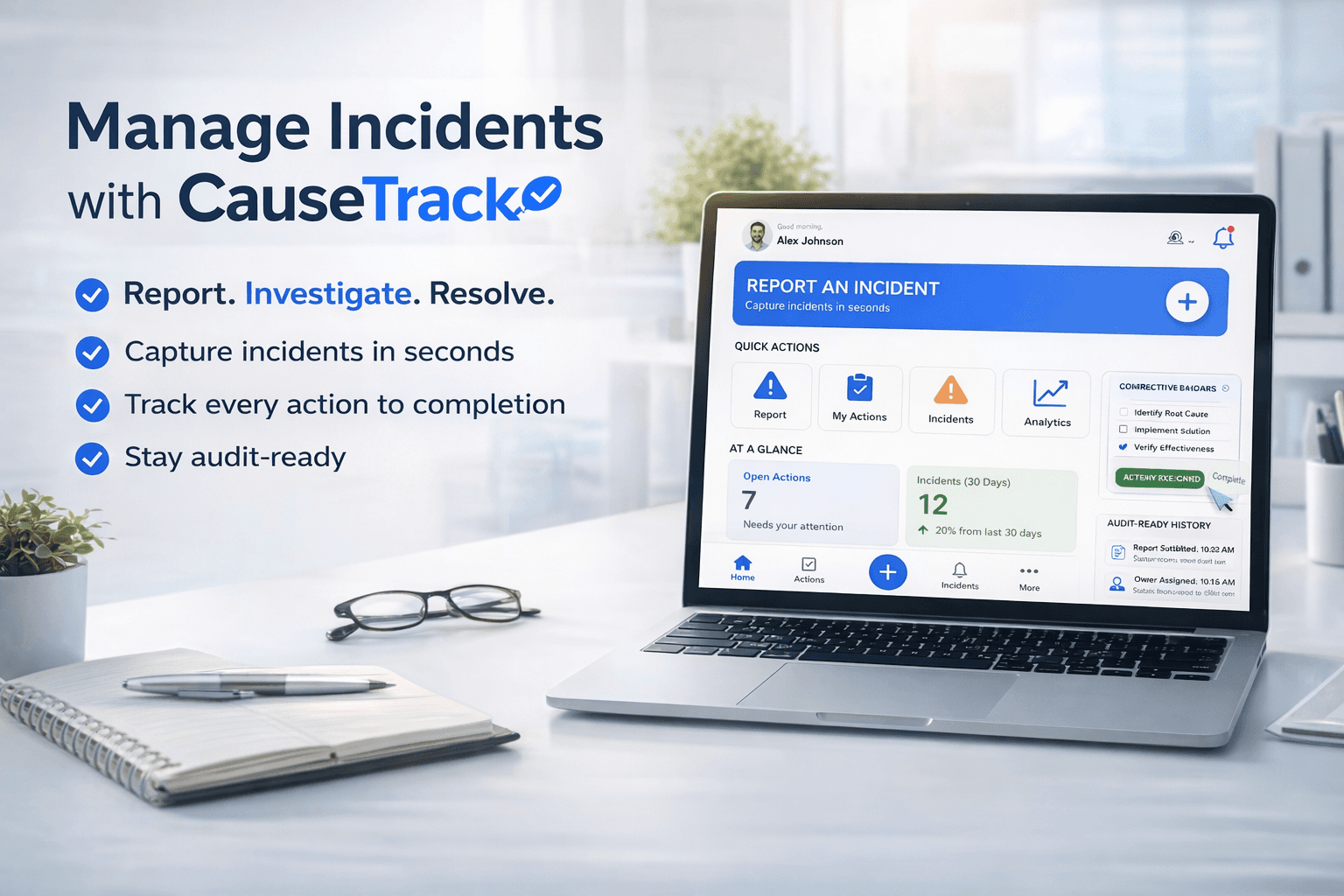
Turn reporting into a controlled workflow
Use CauseTrack to capture incidents, run investigations, and track corrective actions in one place.